
WhatsApp Automation in Pakistan: Business API, Chatbots & CRM Solutions
14 min read
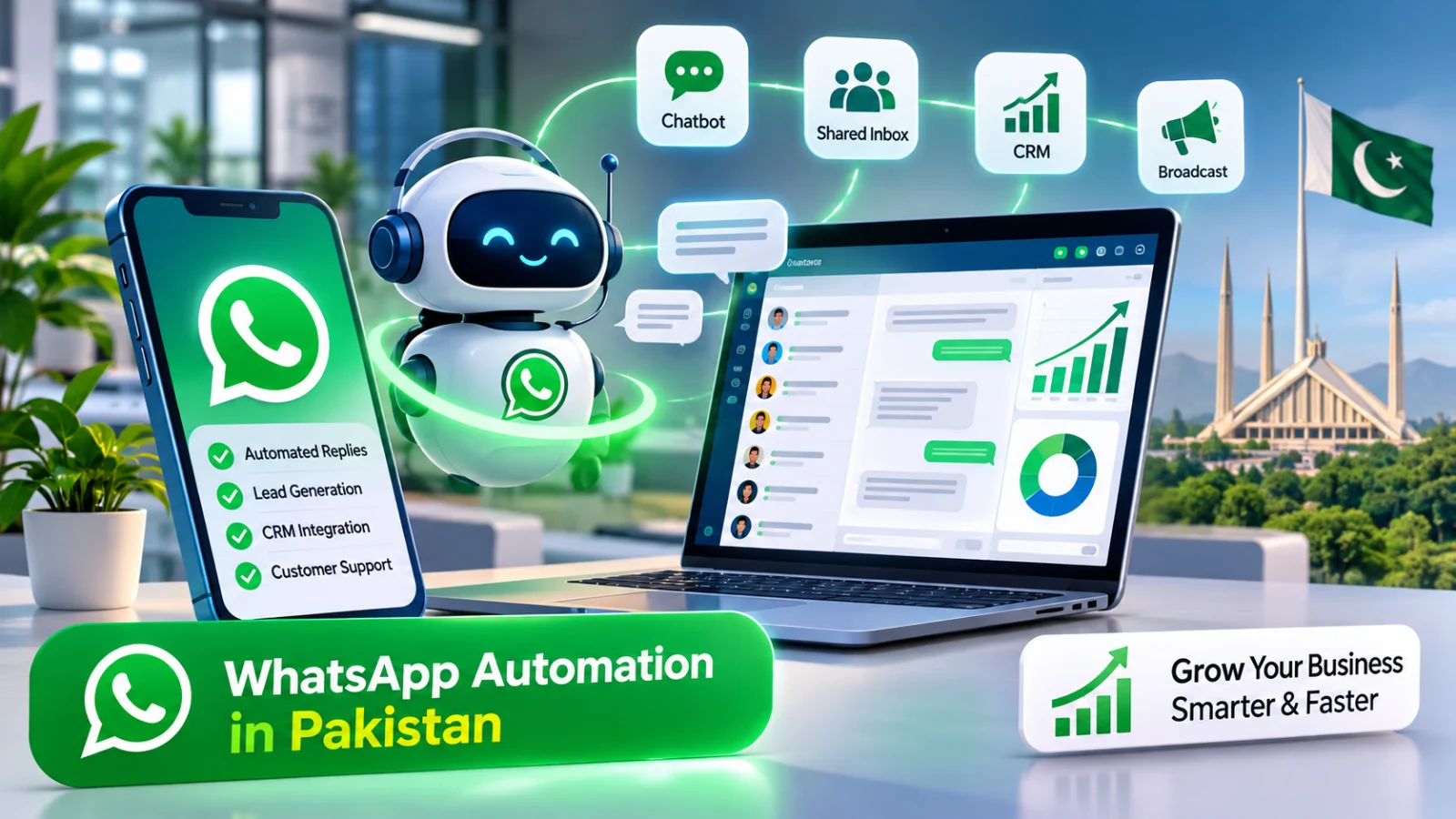
Your Customers Are on WhatsApp. Is Your Business Ready?
Imagine receiving 100 WhatsApp messages while your team is busy handling existing customers. Some people want product details, others ask about prices, and many are waiting for order updates. Your team cannot respond to everyone immediately, and potential customers may move to a competitor.
This is where WhatsApp automation in Pakistan can make a real difference.
Businesses no longer need to depend entirely on manual replies. With WhatsApp Business API, automated chatbots, shared team inboxes, and CRM integration, companies can manage customer conversations, send important updates, qualify leads, and provide faster support.
Whether you operate an online store, educational institute, hospital, property business, travel agency, or service company, WhatsApp automation can help organize your communication and improve customer experience.
For Pakistani businesses, it also provides a practical way to manage customer inquiries across different cities without building a large support team.
What Is WhatsApp Automation in Pakistan?
WhatsApp automation is the use of software, chatbots, integrations, and the official WhatsApp Business Platform to handle business conversations automatically.
It allows companies to respond to common questions, collect customer information, send approved notifications, distribute conversations among agents, and connect WhatsApp with business applications.
For example, when someone sends a message asking about your services, an automated chatbot can:
Welcome the customer.
Display available services.
Ask what the customer needs.
Collect their name and contact details.
Forward the inquiry to the relevant department.
Notify the customer when an agent becomes available.
This process reduces repetitive work and gives customers a more organized experience.
In simple terms: WhatsApp automation turns ordinary WhatsApp conversations into a structured business communication system.
WhatsApp Business API Provider in Pakistan: Why Does It Matter?
The standard WhatsApp Business application is useful for small businesses. However, companies handling hundreds or thousands of conversations often need more advanced capabilities.
This is where the WhatsApp Business API, also known as the WhatsApp Business Platform, becomes important.
A WhatsApp API provider in Pakistan helps businesses access the official platform and configure automation tools.
Depending on the provider and software package, services may include:
Official WhatsApp Business API onboarding.
Business number configuration.
Message template management.
Automated chatbot development.
Multiple-agent access.
Shared WhatsApp inbox.
CRM and website integration.
Campaign management.
Reporting and analytics.
A reliable WhatsApp Business API provider in Pakistan should also explain Meta's messaging charges, software subscription fees, technical support, and account requirements before implementation.
Important: A provider should clearly explain whether it offers an official Meta-supported integration or an unofficial WhatsApp automation method. These are not the same.
WhatsApp Business Automation App vs WhatsApp Business API
Many business owners ask whether they should use the free WhatsApp Business application or invest in an automated WhatsApp platform.
Both options have value, but they serve different business needs.
Feature | WhatsApp Business App | WhatsApp Business API |
|---|---|---|
Basic business profile | Yes | Yes, through platform |
Greeting messages | Yes | Yes |
Quick replies | Yes | Yes |
Advanced chatbot flows | Limited | Yes |
Multiple team members | Limited | Yes |
Shared team inbox | Limited | Yes |
CRM integration | Limited | Yes |
Automated campaigns | Limited | Yes, with approved templates |
Advanced reporting | Limited | Depends on provider |
AI chatbot | Not a full business automation system | Available through compatible platforms |
Is WhatsApp Bot Free?
Yes, businesses can start with basic automated features through the free WhatsApp Business application.
For example, the standard app offers:
Greeting messages.
Away messages.
Quick replies.
Business profiles.
Product catalogs.
Labels for organizing chats.
However, advanced automation generally requires a WhatsApp Business API connection and a compatible software platform.
A useful option is to start with a free trial before choosing a paid subscription. HelpDesk, for example, offers a seven-day trial using your own WhatsApp number.
WhatsApp Bot Automation: 7 Ways to Improve Business Operations
A WhatsApp chatbot should do more than send a welcome message. Its real value comes from handling useful customer tasks and connecting conversations with your business processes.
Here are seven practical applications.
1. Automated Customer Support
Customers often ask the same questions:
What are your working hours?
Where is your office?
What services do you offer?
How can I place an order?
What payment methods do you accept?
A chatbot can answer these questions using your business information.
This allows your support team to focus on more complex customer requests.
2. WhatsApp Lead Generation and Sales Automation
When someone clicks a WhatsApp button on your website or advertisement, the chatbot can immediately start a conversation.
It can ask questions such as:
Which product or service are you interested in?
What is your budget?
Which city are you located in?
When would you like to get started?
The collected information helps your sales team understand the customer's requirements before making contact.
3. Automated Order Confirmation and Tracking
E-commerce businesses receive many questions about order status and delivery.
WhatsApp automation can connect with an order management system to provide:
Order confirmation.
Payment notifications.
Dispatch updates.
Delivery information.
Order tracking.
Customers can receive relevant updates without calling customer support.
4. Appointment and Booking Automation
Hospitals, clinics, salons, consultants, and educational institutes can use WhatsApp bots to manage appointments.
Customers can select an available service, submit their preferred date, and receive a confirmation.
Automated reminders can also help reduce missed appointments.
5. WhatsApp Broadcast Campaigns
Businesses can use approved WhatsApp message templates to communicate with customers who have agreed to receive updates.
Common campaign examples include:
New product announcements.
Seasonal promotions.
Special discounts.
Event notifications.
Service updates.
Campaign performance can be monitored through delivery and read reports, depending on the platform.
Always collect customer consent, respect opt-outs, and follow WhatsApp's messaging policies. Buying contact lists or sending unsolicited bulk messages can damage customer trust and your account's messaging quality.
6. Shared WhatsApp Inbox for Sales and Support Teams
Imagine five employees answering customers from one business number.
Without a shared inbox, messages can be missed, duplicated, or handled by the wrong department.
A team inbox allows businesses to:
Assign conversations to specific agents.
Separate sales and support departments.
Monitor pending conversations.
Transfer chats between employees.
Review conversation history.
This is particularly useful for companies with multiple customer service representatives.
7. AI-Powered WhatsApp Chatbots
AI-powered chatbots can understand natural customer questions instead of relying entirely on fixed menu options.
For example, a customer might write:
"Do you have delivery available in Lahore, and what is the price?"
An AI chatbot connected to the company's product information can identify the customer's requirements and provide a relevant response.
Modern systems can also support English, Urdu, and Roman Urdu, depending on their configuration.
For more complex requests, the chatbot should transfer the conversation to a human representative.
WhatsApp CRM Pakistan: Connecting Conversations with Customer Data
A WhatsApp CRM helps businesses manage customer relationships through structured conversation records.
Instead of keeping customer information scattered across personal phones and spreadsheets, businesses can organize their leads and customer interactions in one system.
A WhatsApp CRM in Pakistan can help with:
Customer contact management.
Lead tracking.
Sales follow-ups.
Conversation history.
Customer categorization.
Agent performance monitoring.
Automated notifications.
Integration with existing business software.
For example, a property company can categorize customers according to their preferred location, property type, and budget.
A sales representative can then review the conversation history before contacting the customer.
Similarly, an educational institute can manage admission inquiries, course information, student questions, and appointment requests.
WhatsApp CRM Integration with Websites and Business Applications
The real advantage comes when WhatsApp connects with other business systems.
Depending on available integrations, businesses can connect their WhatsApp platform with:
WordPress websites.
WooCommerce stores.
E-commerce order systems.
CRM software.
ERP applications.
Booking systems.
Customer databases.
Custom web applications.
For example, a WooCommerce customer can ask about an order through WhatsApp. An integrated system can retrieve the relevant order record and return the latest status.
This creates a smoother customer experience while reducing manual work.
Businesses looking for a complete digital growth strategy can also explore digital marketing services in Pakistan and SEO and website development services.
WhatsApp API Pricing Pakistan: How Much Does Automation Cost?
One of the most common questions is: How much does WhatsApp automation cost in Pakistan?
The answer depends on two separate expenses:
The software subscription charged by your automation platform.
WhatsApp message charges determined by Meta.
These costs should not be confused.
1. WhatsApp Business API Message Charges
Meta uses different rates for different message categories. The following are its published Pakistan USD rates effective October 1, 2026.
Message category | Typical use | Meta rate |
|---|---|---|
Marketing | Promotions and offers | $0.0473 |
Utility | Order and booking updates | $0.0150 |
Authentication | OTP and verification | $0.0150 |
Service | Customer service replies | $0.0150 |
These are per-delivered-message rates, not monthly software subscriptions.
At an illustrative exchange rate of PKR 277 per USD, the approximate costs are:
Marketing: Rs. 13.10 per message.
Utility: Rs. 4.16 per message.
Authentication: Rs. 4.16 per message.
Service: Rs. 4.16 per message after the applicable free allowance.
The first 1,000 eligible service messages per business number each month are free under the current rate structure. Specific eligibility rules and international authentication rates may also apply.
Meta's rates can change, so businesses should check the official WhatsApp Business Platform pricing documentation before budgeting.
Gupshup+2
2. WhatsApp Automation Software Pricing in Pakistan
The automation platform provides the dashboard, chatbot, shared inbox, team access, and management tools.
For example, HelpDesk currently publishes the following subscription plans:
Plan | Monthly price | Suitable for |
|---|---|---|
Trial | Free for 7 days | Testing the platform |
Starter | Rs. 4,999 | Small teams |
Growth | Rs. 15,000 | Growing businesses |
Dedicated Pro | Rs. 56,000 | Larger organizations |
Custom | On request | Specific business requirements |
The plans offer different limits for WhatsApp numbers, team members, contacts, departments, campaigns, and other features.
Meta message charges are separate from these subscriptions. AI features may also use additional credits.
HelpDesk
Check the latest packages: HelpDesk WhatsApp Automation Pricing.
Which WhatsApp Automation Plan Should You Choose?
Small businesses: Starter is suitable when a small team needs a shared inbox and basic chatbot flows.
Growing businesses: Growth offers additional team capacity, more contacts, multiple numbers, and campaigns.
Large organizations: Dedicated Pro provides a separate installation and dedicated database.
Special requirements: Custom packages can accommodate additional users, numbers, and business-specific needs.
The best choice depends on the number of customer conversations, employees, and automation features required.
How to Choose the Best WhatsApp API Provider in Pakistan
Choosing a WhatsApp API provider is an important business decision. The right platform should make communication easier, not add more complexity.
Before selecting a provider, consider these factors:
1. Official Meta integration
Confirm that the provider uses Meta's official WhatsApp Business Platform rather than unofficial automation tools.
2. Easy-to-use dashboard
Your sales and support teams should be able to manage conversations without technical knowledge.
3. Multiple-agent access
Look for individual team accounts, department management, and conversation assignments.
4. Chatbot and AI capabilities
Check whether the platform supports automated flows, knowledge-based AI replies, and human handover.
5. CRM and third-party integrations
Make sure the software can connect with your website, customer database, or existing business applications.
6. Transparent pricing
Ask for a clear breakdown of subscription fees, Meta message charges, AI usage, and additional services.
7. Customer support
A provider should help with account setup, number connection, configuration, and technical issues.
HelpDesk: WhatsApp Automation Platform for Pakistani Businesses
WhatsApp Automation Services | WhatsApp Chatbot & CRM Automation - DesignBub
Businesses looking for a practical WhatsApp automation solution can explore HelpDesk, a platform built on Meta's official WhatsApp Business Platform.
HelpDesk brings customer conversations from WhatsApp, Instagram, and Facebook Messenger into one shared workspace.
Its features include:
Shared team inbox: Multiple employees can handle conversations through one business number.
AI chatbot: Answer questions using your own business information, services, prices, and policies.
Urdu and Roman Urdu support: Respond to customers in familiar languages.
Automated bot flows: Create menus, questions, order lookups, and booking processes.
Department management: Route inquiries to sales, support, or accounts.
Message templates: Manage approved WhatsApp templates.
Campaign management: Send approved messages to customers who have opted in.
Customer management: Organize contacts, tags, and conversation history.
Human handover: Transfer complex conversations to the appropriate employee.
The platform also supports product catalogs, customer records, and integrations with Instagram and Messenger.
You can explore the following resources:
HelpDesk+2
Industries That Can Benefit from WhatsApp Automation in Pakistan
WhatsApp automation is not limited to online stores. Almost every business that communicates with customers can benefit from a structured messaging system.
E-commerce and Online Shopping
Online stores can automate product inquiries, order confirmations, delivery notifications, and customer support.
Hospitals and Clinics
Healthcare organizations can manage appointment inquiries, booking confirmations, and general administrative questions.
Educational Institutes
Schools, colleges, universities, and academies can automate admission inquiries, course details, fee information, and student support.
Real Estate Companies
Property businesses can collect buyer requirements, share project details, arrange site visits, and distribute inquiries among sales representatives.
Restaurants and Cafes
Restaurants can automate menus, reservations, delivery inquiries, and order information.
Travel and Tourism
Travel companies can manage package inquiries, booking requests, travel information, and customer follow-ups.
IT and Software Companies
Technology companies can automate service inquiries, support requests, project consultations, and lead qualification.
For industry-specific examples, explore HelpDesk's business solutions.
WhatsApp Automation Setup: How Does It Work?
Implementing WhatsApp automation does not have to be complicated. A typical setup involves a few important steps.
Cara Daftar WhatsApp Business: Panduan Lengkap untuk Bisnis Anda - KapanLagi.com
Step 1: Choose Your Platform
Select a suitable WhatsApp Business Platform solution based on your business size and communication needs.
How to Send WhatsApp Appointment Reminders to Dental Patients
Step 2: Connect Your Business Number
Complete the official Meta onboarding and number verification process.
Outomate – Automation Chatbot AI Dashboard by Dipa Product for Dipa Inhouse on Dribbble
Step 3: Configure Your Chatbot
Add welcome messages, automated questions, business information, and customer service workflows.
Telegram vs WhatsApp for businesses in Singapore
Step 4: Add Your Team
Create employee accounts, departments, roles, and conversation assignments.
WhatsApp Business Integration - Customer Communication | Zentiya
Step 5: Monitor and Improve
Review customer conversations, chatbot performance, campaign reports, and support response times.
A good implementation should also include privacy controls, clear human escalation options, and a process for handling customer opt-outs.
WhatsApp Automation Rules: What Businesses Should Know
Using the official WhatsApp Business Platform means following Meta's messaging policies.
Some important requirements include:
Obtain appropriate customer permission before sending business-initiated messages.
Use approved templates when required.
Respect customer opt-out requests.
Avoid misleading promotions and unwanted messages.
Provide an easy way for customers to reach a human representative.
The 24-hour customer service window is also important. It opens or resets when a customer sends a message. Within this window, businesses can respond using free-form messages. Outside it, approved templates are generally required for business-initiated messages.
Automation should improve customer service, not replace genuine customer communication.
Read the official WhatsApp Business Messaging Policy for the applicable requirements.
WhatsApp for Business
Frequently Asked Questions About WhatsApp Automation in Pakistan
1. What is the best WhatsApp automation solution in Pakistan?
The best solution depends on your business requirements. Look for an official Meta integration, AI chatbot capabilities, shared inbox, multiple-agent access, CRM features, and transparent pricing. HelpDesk is one option offering these capabilities in Pakistan.
2. Can I use WhatsApp automation for free in Pakistan?
Yes. The WhatsApp Business application provides basic automated features such as greeting messages, away messages, and quick replies. Advanced chatbot flows, team inboxes, CRM integrations, and API-based campaigns generally require a paid platform. HelpDesk also offers a seven-day free trial.
3. How much does WhatsApp API pricing cost in Pakistan?
Meta's October 2026 USD rates for Pakistani recipients are $0.0473 for marketing messages and $0.0150 for utility and authentication messages. Service messages have a monthly free allowance of 1,000 per business number, subject to applicable rules. Software subscription charges are separate.
4. Can multiple employees use one WhatsApp business number?
Yes. Through an official API-based shared inbox, multiple employees can access conversations using their own accounts. Managers can assign chats, create departments, and monitor customer support activities.
5. Is WhatsApp automation suitable for small businesses?
Absolutely. Small businesses can automate common questions, collect customer inquiries, manage orders, and provide faster responses. They can start with basic features and upgrade to advanced automation as their business grows.
Key Takeaways: Why WhatsApp Automation Matters
WhatsApp has become an important communication channel for businesses in Pakistan. However, manually managing every conversation becomes difficult as customer inquiries increase.
WhatsApp automation provides a structured way to manage conversations, support customers, generate leads, and organize business communication.
Here are the most important points:
WhatsApp Business is suitable for basic communication and simple automation.
WhatsApp Business API enables advanced business messaging and integrations.
AI chatbots can handle repetitive questions and assist customers around the clock.
WhatsApp CRM solutions help organize leads and customer records.
Shared inboxes allow multiple employees to manage one business number.
Meta messaging charges and software subscriptions are separate expenses.
Choosing an official and reliable platform is important for long-term operations.
The key takeaway: Businesses that organize customer communication today can build a more responsive and scalable customer service operation tomorrow.
Ready to Automate Your Business Communication?
Whatsapp API | Solusi Resmi Integrasi Untuk Business | EVA | EVA
Stop spending valuable working hours answering the same questions repeatedly.
With HelpDesk, your business can bring WhatsApp conversations, AI-powered customer support, automated bot flows, and team communication into one organized workspace.
Whether you run a small business or manage a growing customer support team, the right WhatsApp automation system can help you work smarter.
Start your seven-day free trial or contact our team to discuss your requirements.
Explore HelpDesk | View Pricing | Contact Our Team
Contact Us
HelpDesk – WhatsApp Automation & AI Chatbot Solutions
Website: https://helpdesk.com.pk
Email: info@helpdesk.com.pk
WhatsApp: 03306246232
Get in touch to discuss WhatsApp API integration, chatbot development, business automation, and customer support solutions for your organization.
Set this up on your own WhatsApp
Free for 7 days. No card needed.