
The AI assistant
The AI assistant answers customers’ questions on WhatsApp, Instagram and Messenger from your own information - your knowledge base and your catalogs - and never guesses. Anything it cannot answer goes to your team.
Teach it about your business
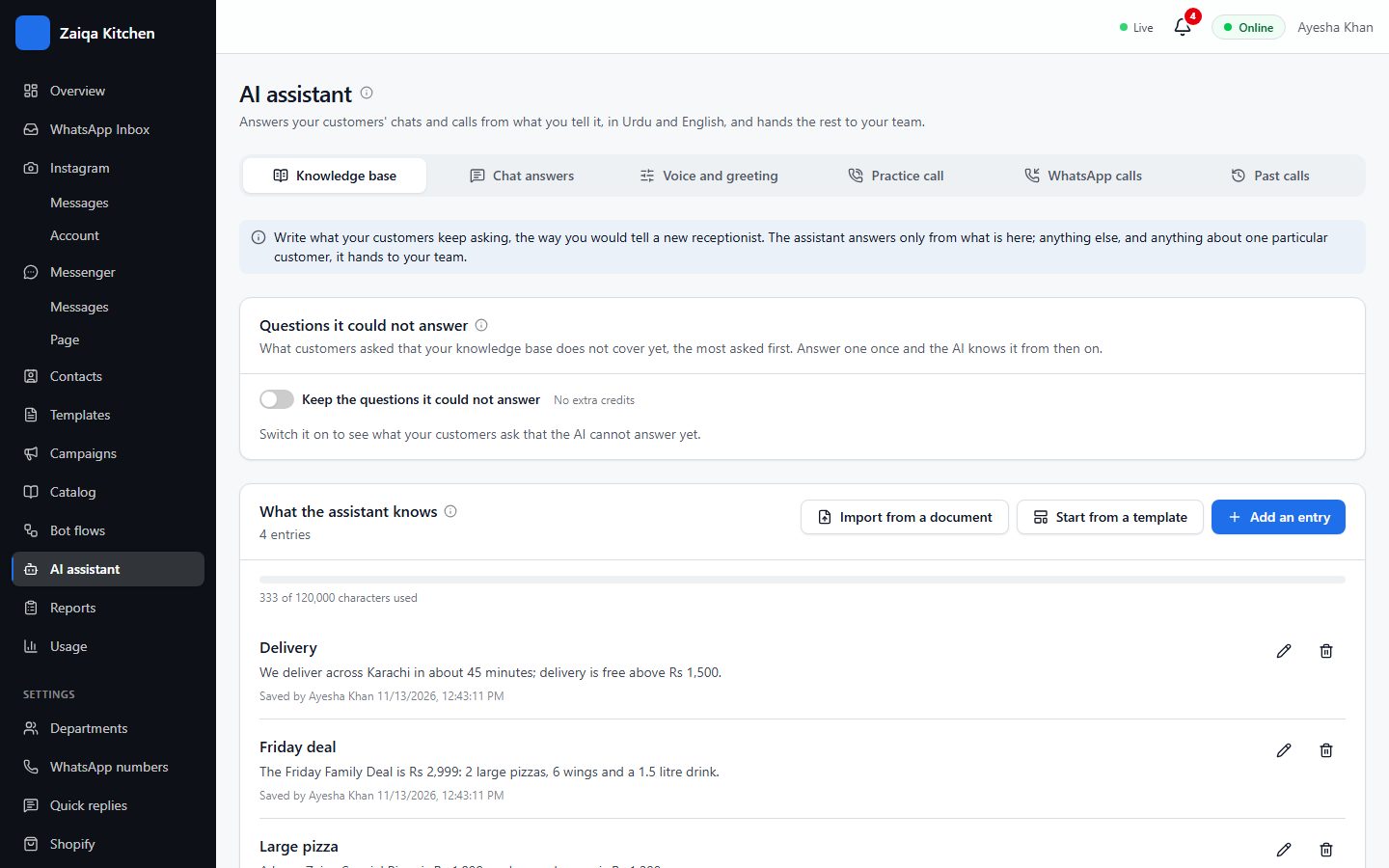
- 1Open AI assistant > Knowledge base.
- 2Add a topic for each subject - Opening hours, Delivery, Deals - written as you would tell a new receptionist, with real prices and timings. You can also start from a template or import a document.
- 3Its catalogs (your menu, your products) are read too.
Switch answers on
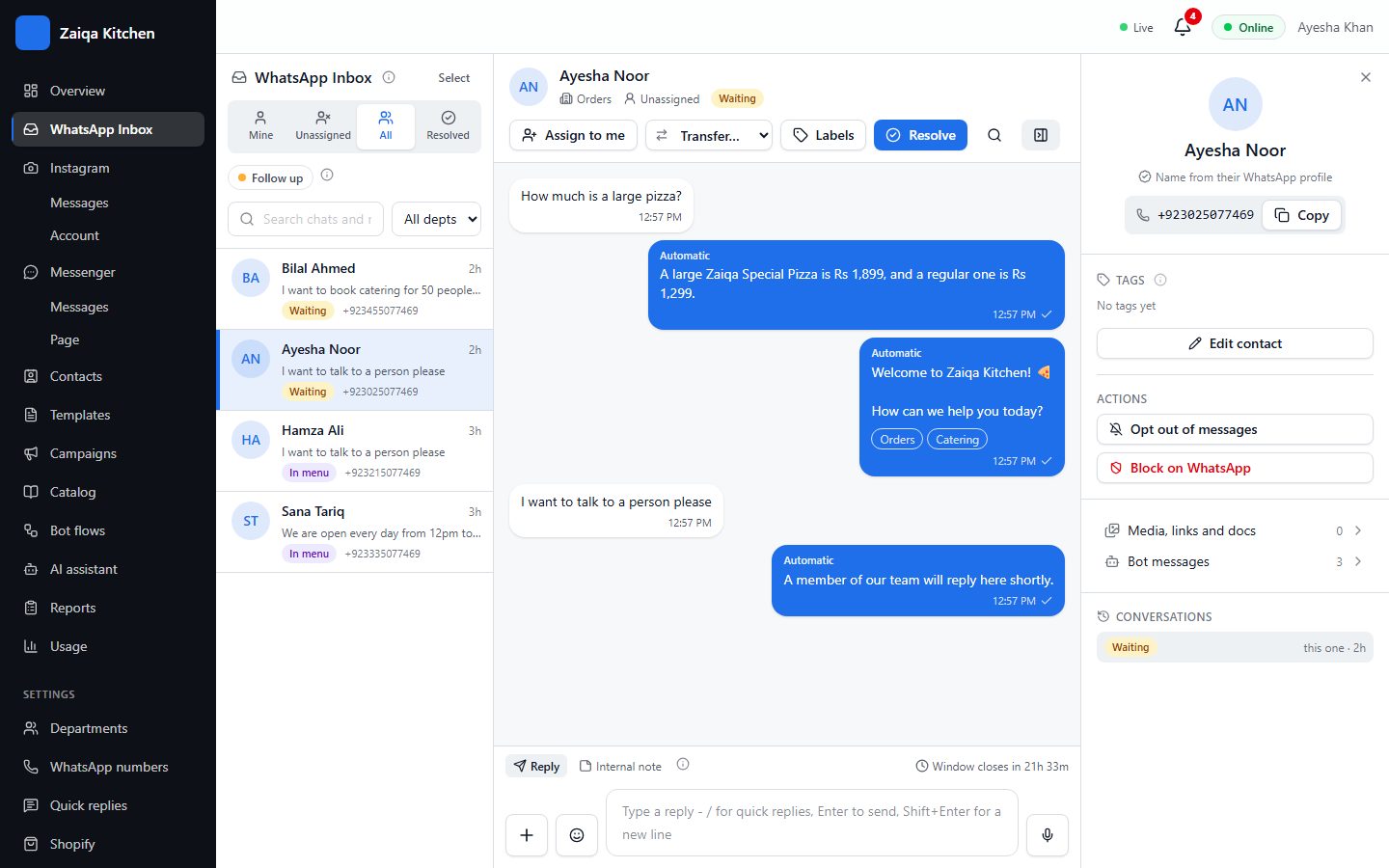
Under Chat answers, try a few questions as a customer would, then switch answers on. Watch its replies in the inbox; "Questions it could not answer" shows what to add next.
Help for your team
Optional extras: hand angry customers to a person at once with a note, a summary when a chat is handed over, Suggest reply (a draft for your agent to check), Summarise, and topics and mood for your reports. It can also take orders and bookings into your catalog and tell customers where their order stands.
AI credits
Each AI reply uses 1 to 4 credits. Your plan includes credits every month, and you can buy more; extra credits never expire. When they run out, the AI stops and your menu and bot carry on as before.
Try it on your own WhatsApp
Free for 7 days. No card needed.
Related guides
- CatalogsYour menu, products, courses or orders - for your team, the bot and the AI to answer from.
- Bot flowsA bot that answers the usual questions with buttons, day and night, and hands over to a person.
- Usage, plans and AI creditsYour plan’s limits, what you used this month, what WhatsApp charges for, and AI credits.