
Google Sheets
If your menu or price list already lives in Google Sheets, connect the sheet to a catalog. You keep editing the sheet; HelpDesk reads it again every 15 minutes, or at once with Sync now.
Connect a sheet
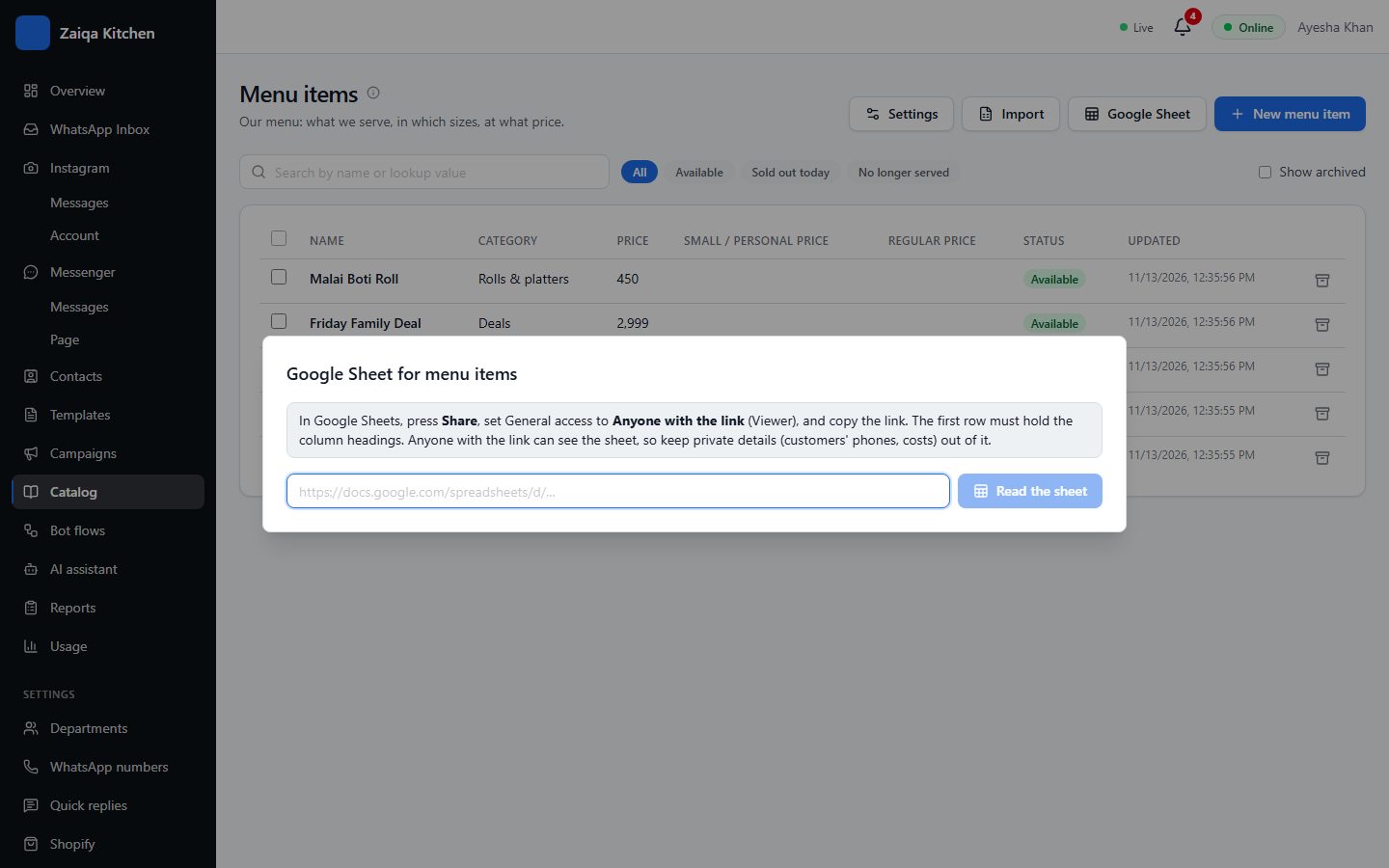
- 1In Google Sheets, press Share and set General access to "Anyone with the link" (Viewer).
- 2The first row of the sheet must hold the column headings.
- 3In HelpDesk open Catalog, choose the catalog and press Google Sheet.
- 4Paste the sheet’s link. Check which column fills which field, and connect.
What happens next
A row added or changed in the sheet adds or updates its record. A row removed archives the record the sheet made (records added by hand are never touched). Pictures and PDFs by link are downloaded once. If the sheet cannot be read, nothing changes and you are told why.
Try it on your own WhatsApp
Free for 7 days. No card needed.