
The overview dashboard
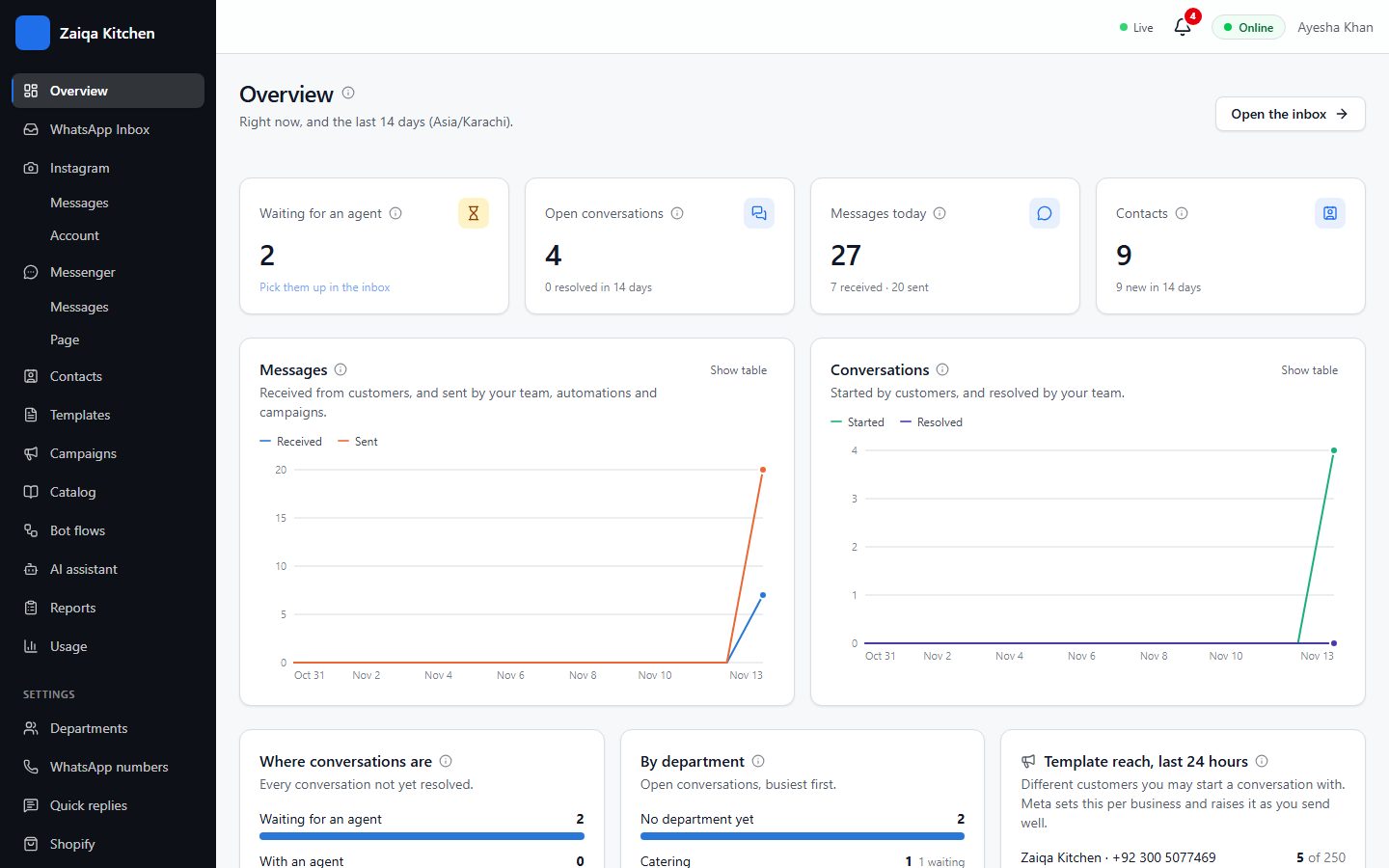
The Overview page shows how your WhatsApp is doing right now and over the last days, so you can spot a queue before customers wait too long.
What you see
Waiting for an agent, open conversations, messages today and contacts at the top; below them, messages and conversations day by day, where conversations are waiting, chats by department, and how many new customers you messaged in the last 24 hours.
Try it on your own WhatsApp
Free for 7 days. No card needed.