
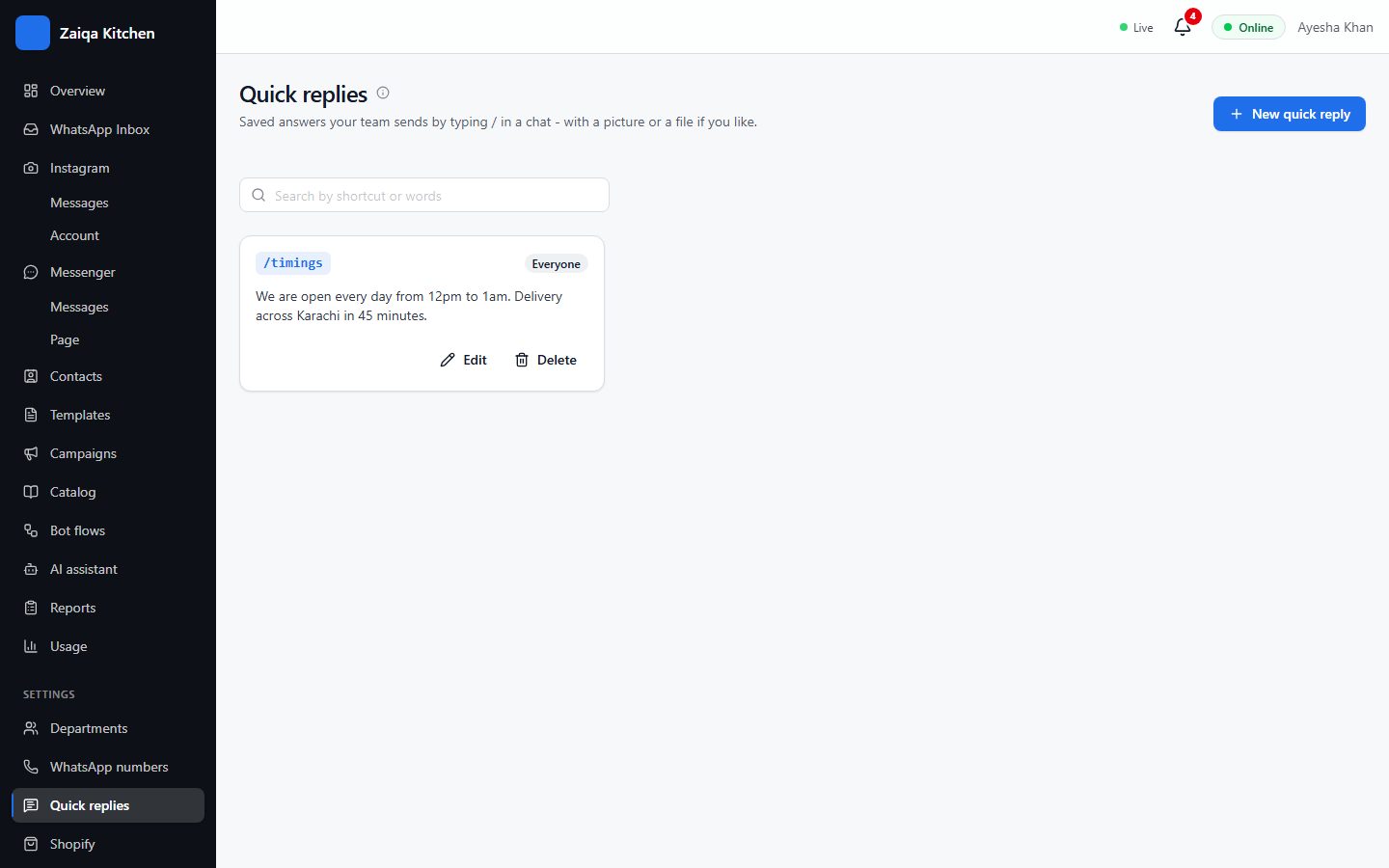
Quick replies
Opening hours, delivery charges, bank details: save them once and send them in two keystrokes.
Save a quick reply
- 1Open Settings > Quick replies and press New quick reply.
- 2Give it a shortcut, such as timings, and write the message. You can add a picture or a file.
- 3In any chat, type / and the shortcut, choose it, and press Enter.
Try it on your own WhatsApp
Free for 7 days. No card needed.