
Contacts
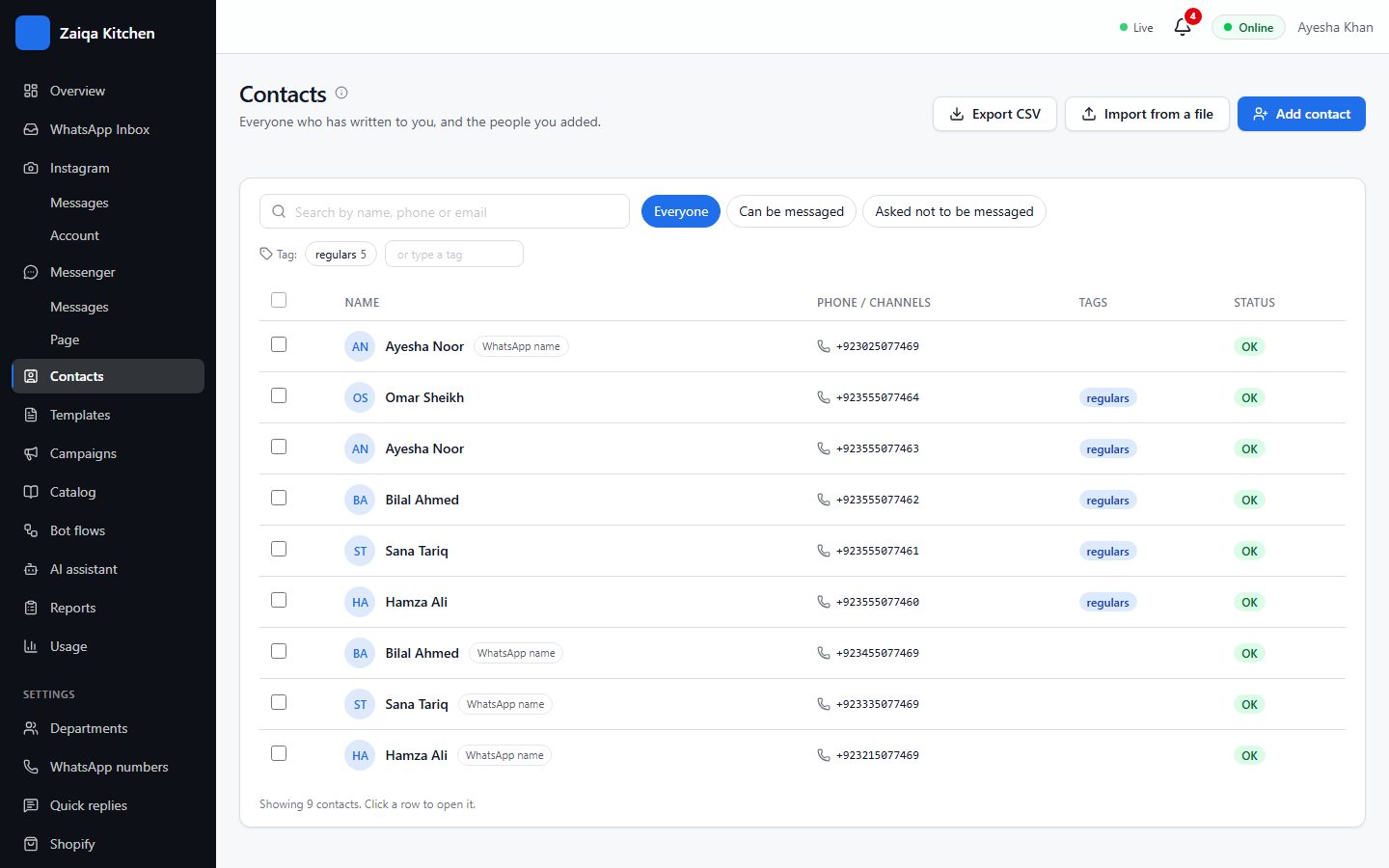
Every customer who writes to you becomes a contact. Add your own details, group them with tags, and import lists from Excel or Google Sheets.
Your contacts
Search by name or number, or filter by tag. Open a contact to edit their name, tags and your own fields. People who opted out are never sent campaigns.
Import a list
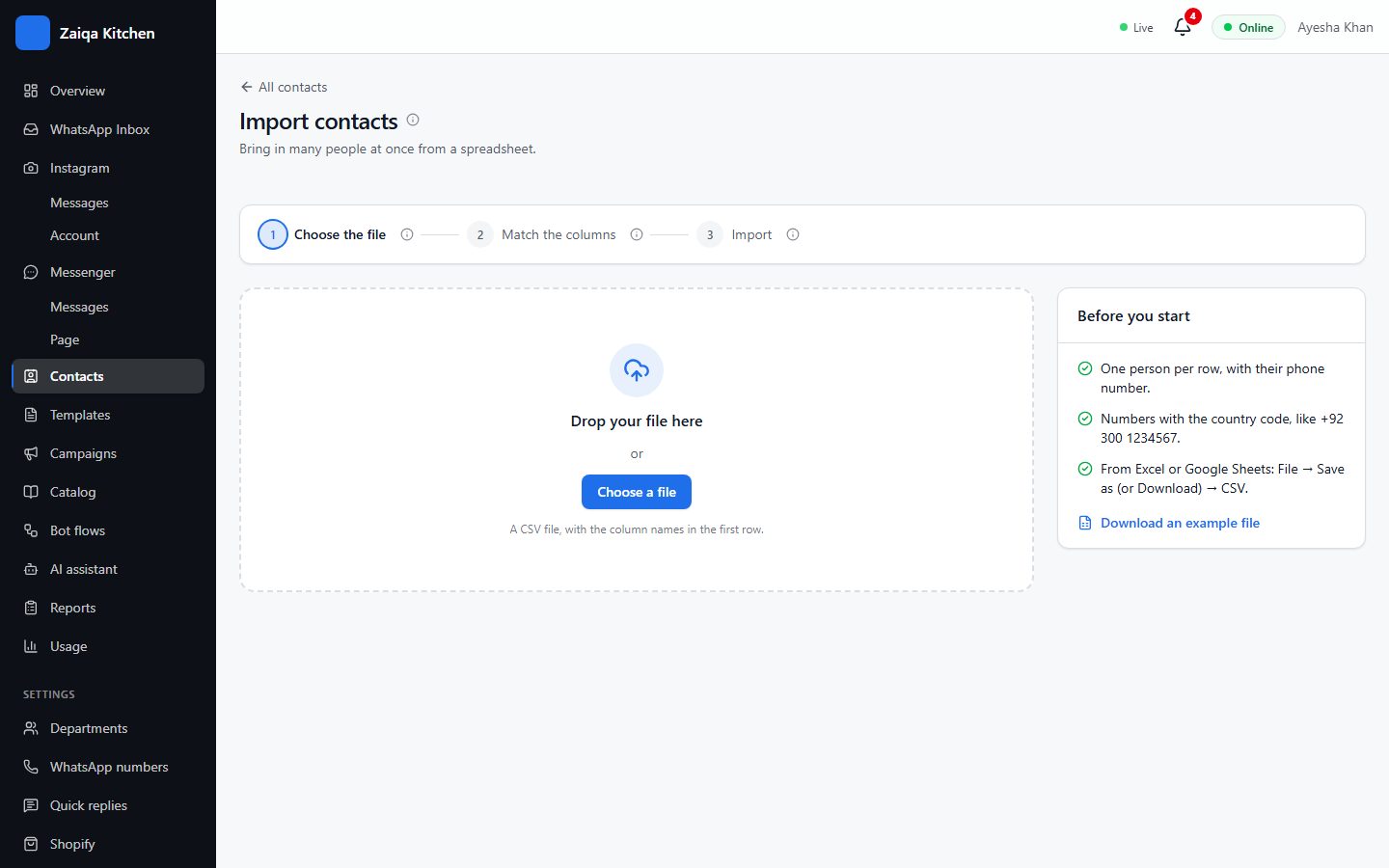
- 1Save your list as a CSV file from Excel or Google Sheets (File > Download > CSV).
- 2Open Contacts > Import from a file and choose it.
- 3Tell us which column is the phone number, the name, and so on.
- 4Press Import. People already in your contacts are updated, not added twice; anyone left out is listed with the reason.
Your own fields
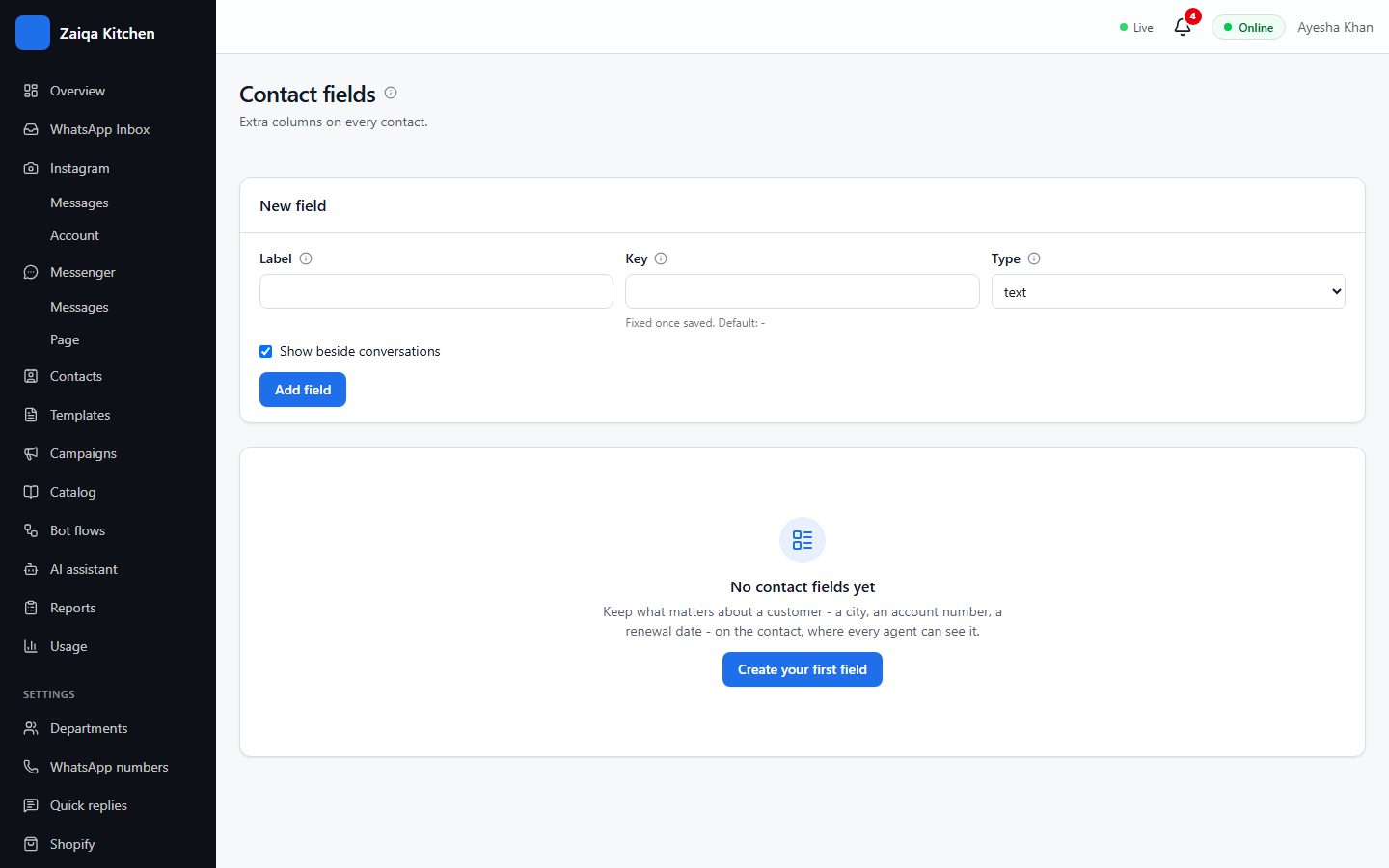
Settings > Contact fields adds details you need about each customer - a city, a membership number, a birthday - which you can fill in, import and use in campaigns.
Try it on your own WhatsApp
Free for 7 days. No card needed.