
Departments and routing
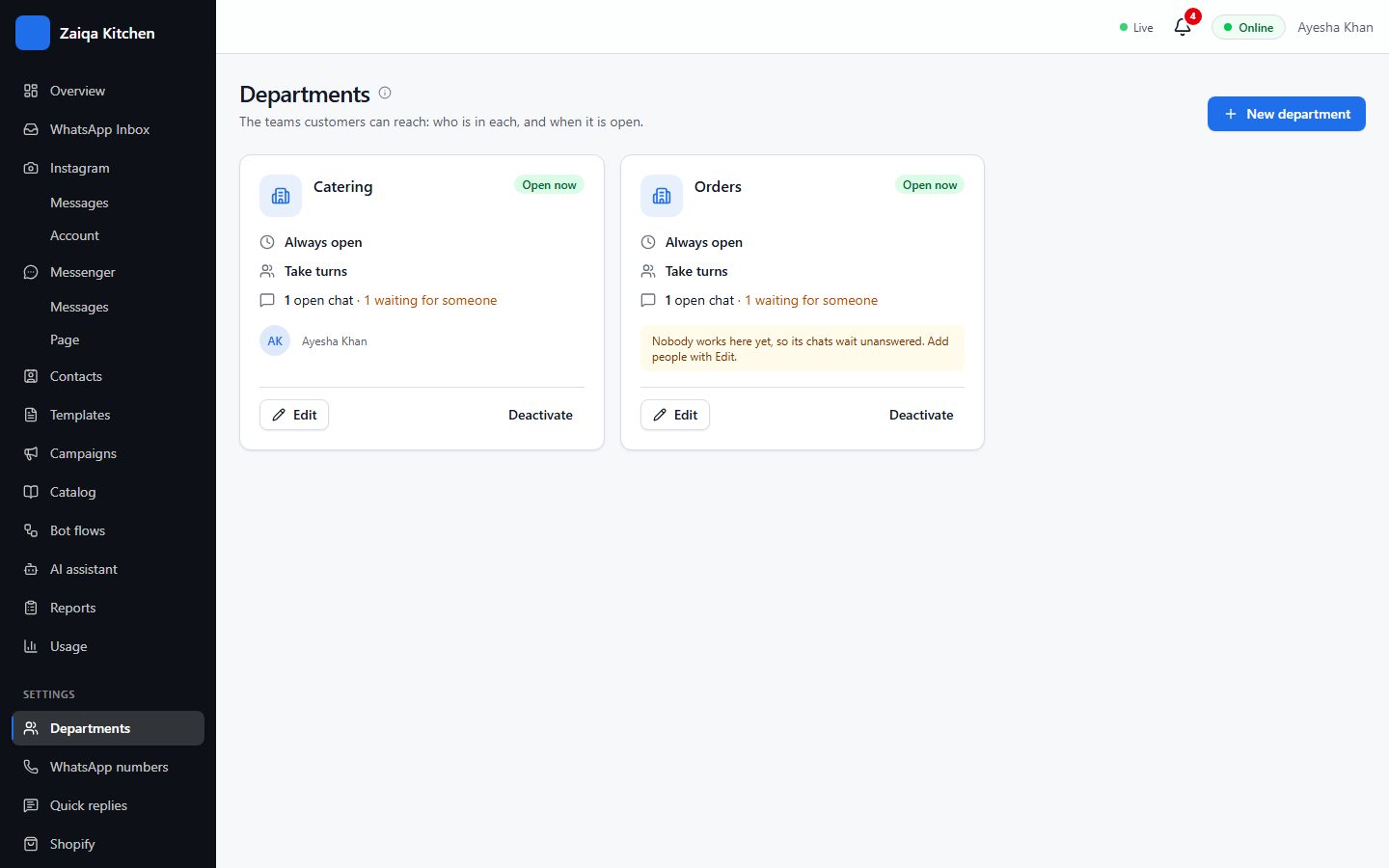
Departments are teams that chats go to, such as Orders and Catering, or Sales and Support. Each has its own people, working hours and messages.
Create a department
- 1Open Settings > Departments and press New department.
- 2Name it and choose who works in it.
- 3Set its hours: always open, or the days and times it is open, and the message customers get after hours.
- 4Choose how chats are shared: in turn (round robin), or the least busy person.
Where new chats go
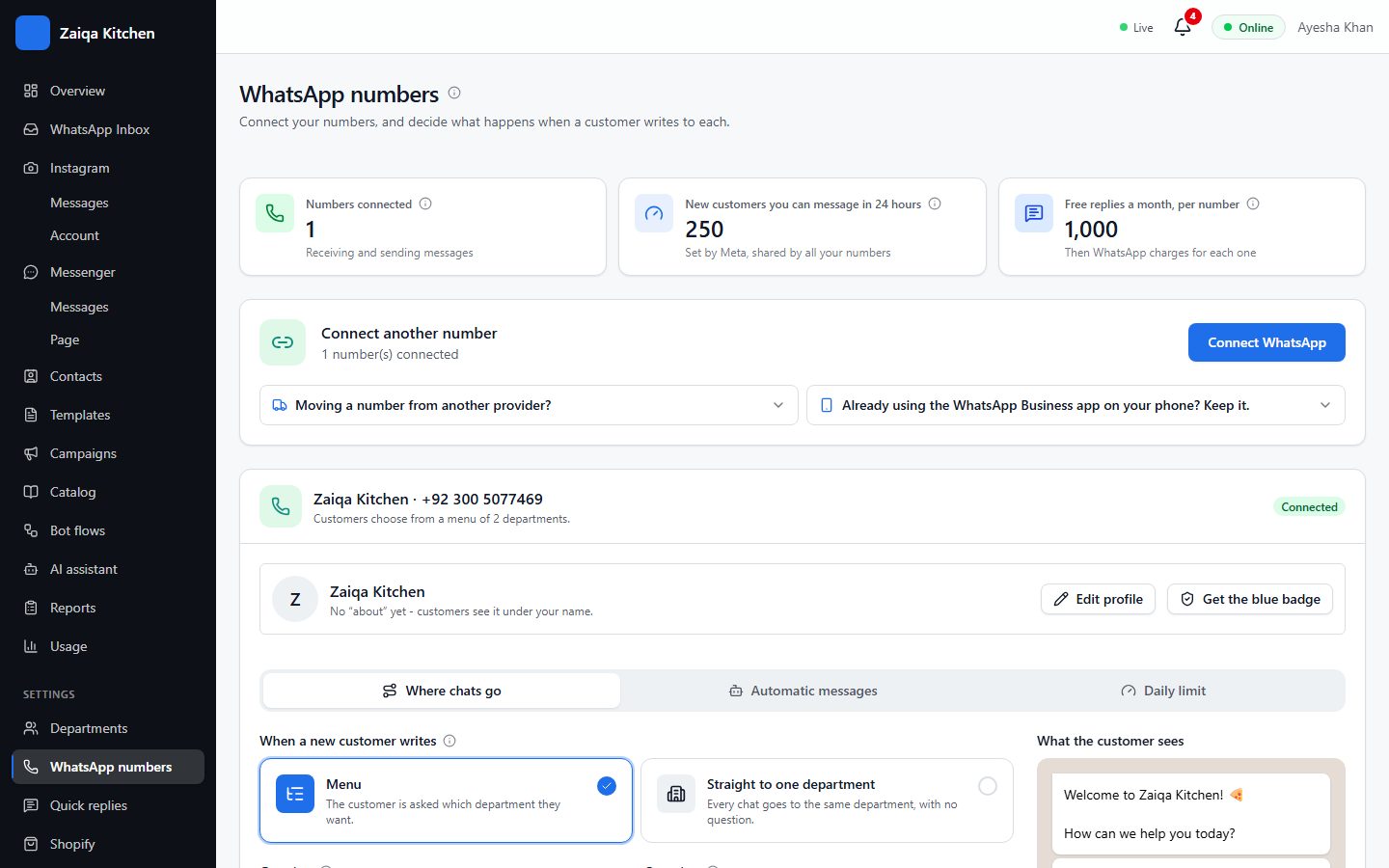
In Settings > WhatsApp numbers, choose for each number: Menu (the customer picks a department from buttons) or Straight to one department. Write the greeting and the question above the menu, and choose the department for customers who do not pick.
Try it on your own WhatsApp
Free for 7 days. No card needed.
Related guides
- Your team and their rolesInvite your staff, each with their own login and only what they need to see.
- The shared inboxEvery WhatsApp chat in one place for your whole team: reply, transfer, note, label and search.
- Bot flowsA bot that answers the usual questions with buttons, day and night, and hands over to a person.