
Chat labels
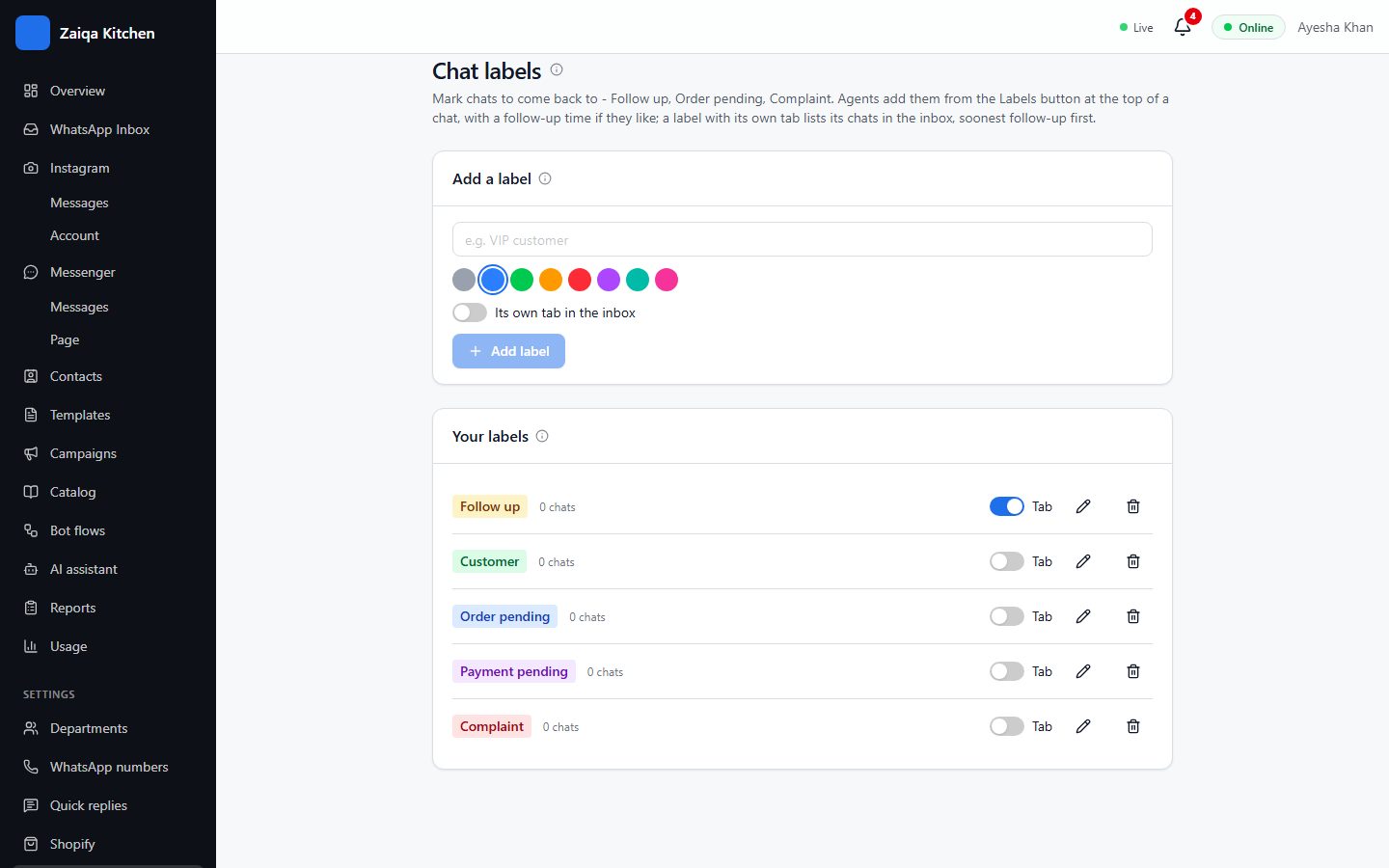
Labels sort chats - Follow up, Order pending, Complaint. Show a label as a tab and its chats are one click away in the inbox.
Make your labels
- 1Open Settings > Chat labels.
- 2Type a name, pick a colour and press Add label.
- 3Switch on "Tab" for the labels you want as tabs in the inbox.
Try it on your own WhatsApp
Free for 7 days. No card needed.