
Your team and their roles
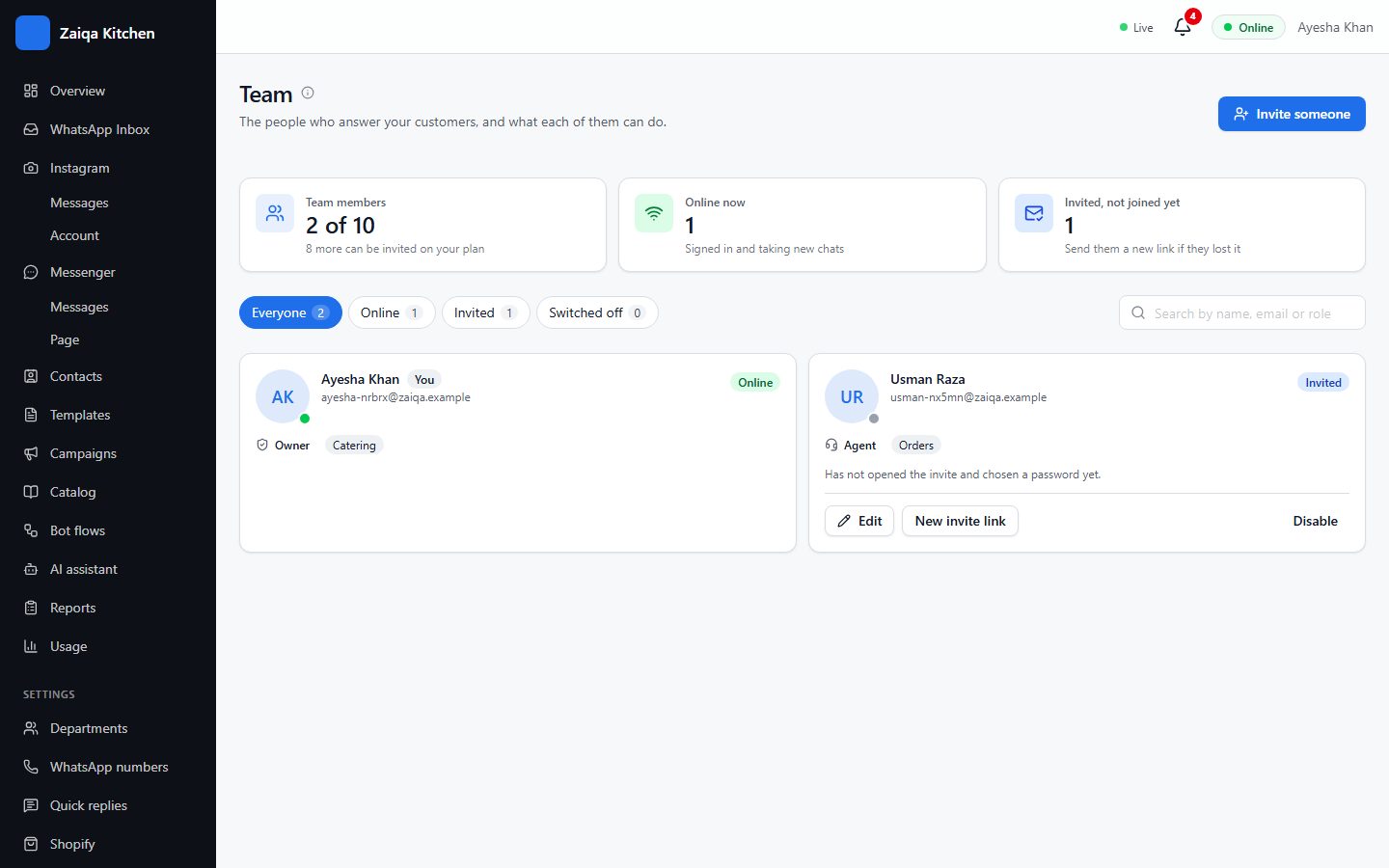
Everyone gets their own sign-in, so you always know who replied to whom, and each person sees only their part of the work.
Invite someone
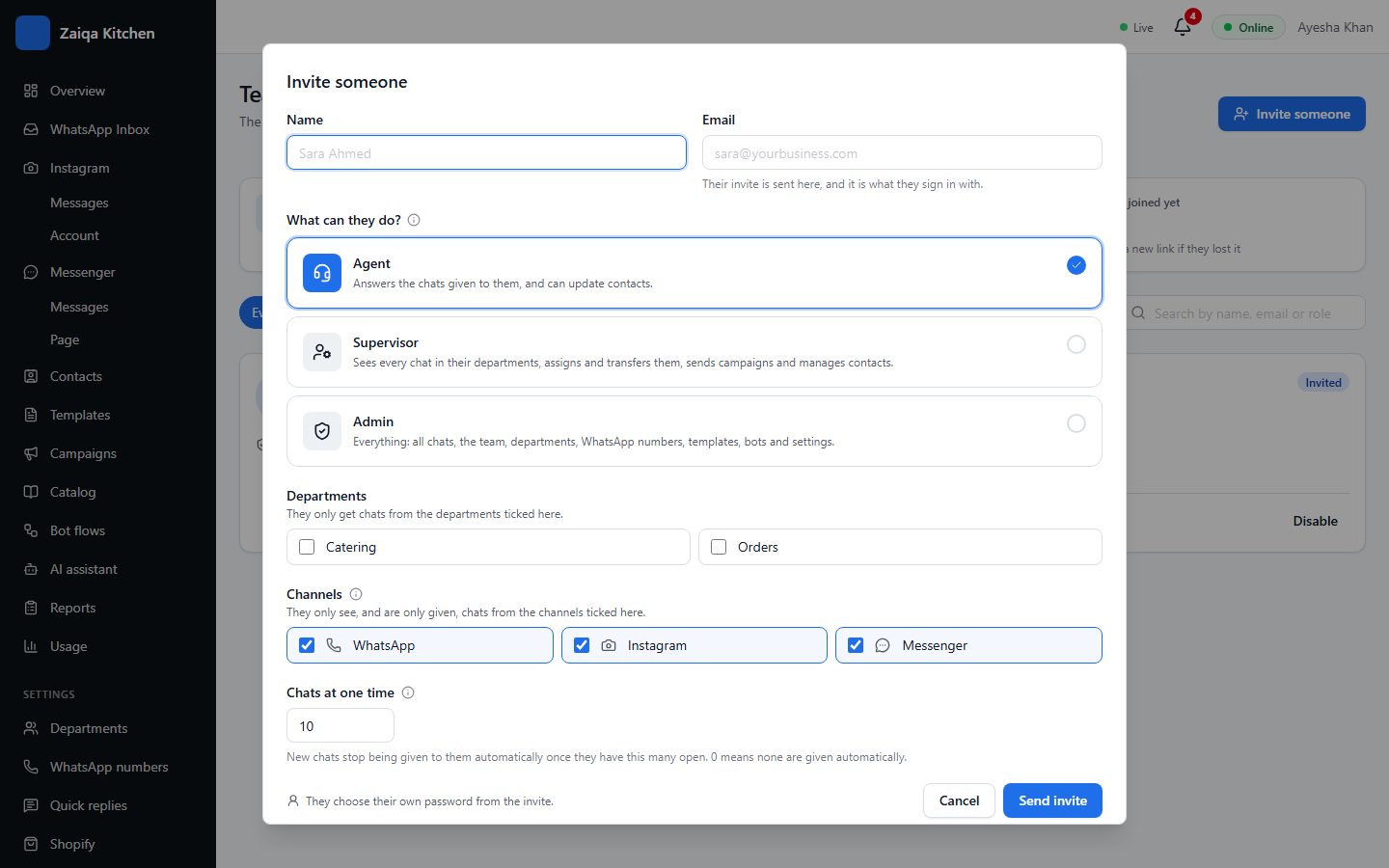
- 1Open Settings > Team and press Invite someone.
- 2Enter their name and email.
- 3Choose what they can do (see the roles below) and their departments.
- 4Choose which channels they answer: WhatsApp, Instagram, Messenger.
- 5Press Send invite. They get an email to set their password.
The roles
Owner: everything, including billing. Admin: manages settings, the team and campaigns. Supervisor: sees and manages their departments’ chats. Agent: answers the chats given to them.
Try it on your own WhatsApp
Free for 7 days. No card needed.