
Catalogs
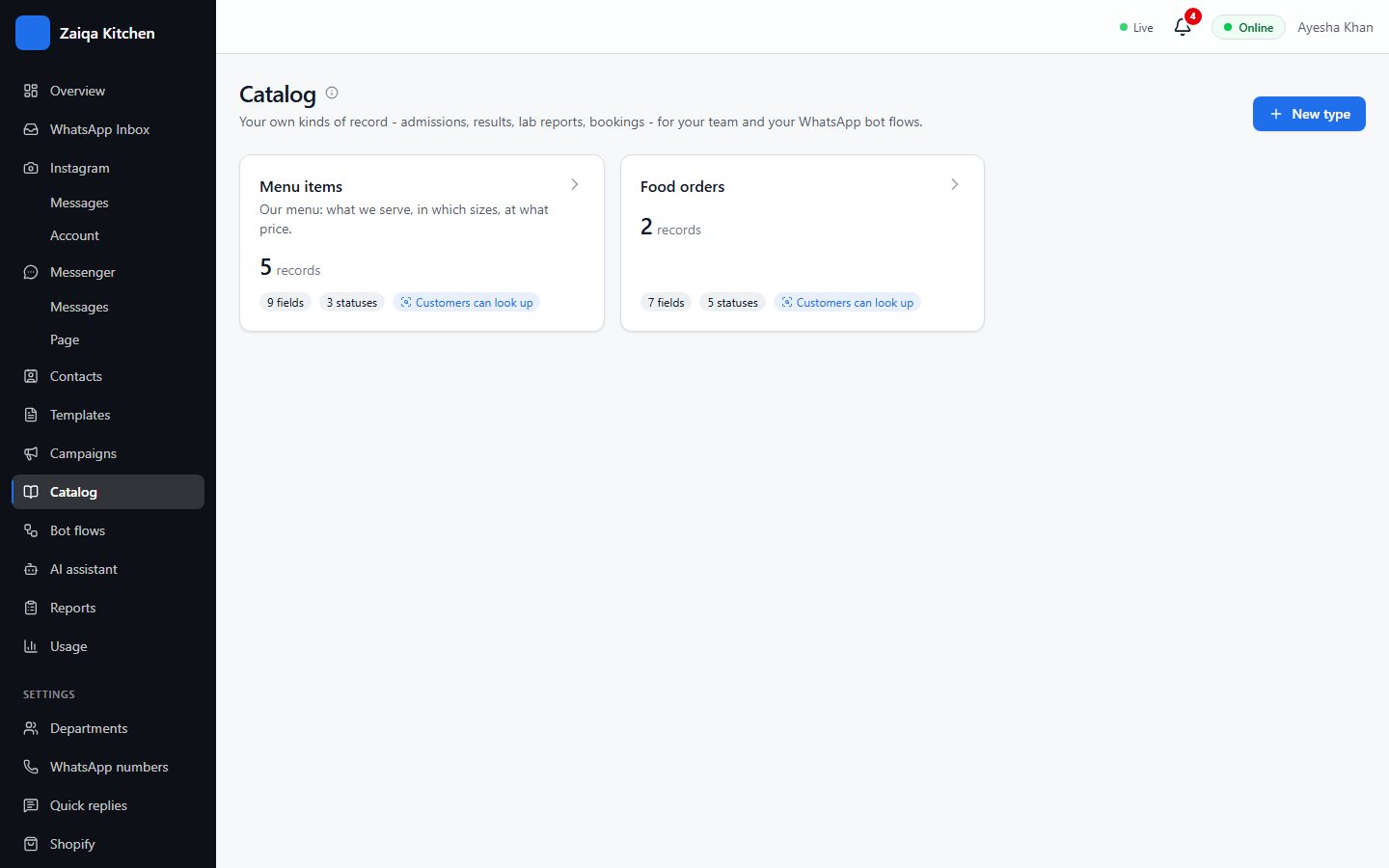
A catalog is your own list - menu items, products, courses, bookings, orders - with the fields you need. Your team sends records in chats, the bot looks them up, and the AI answers from them.
Make a catalog
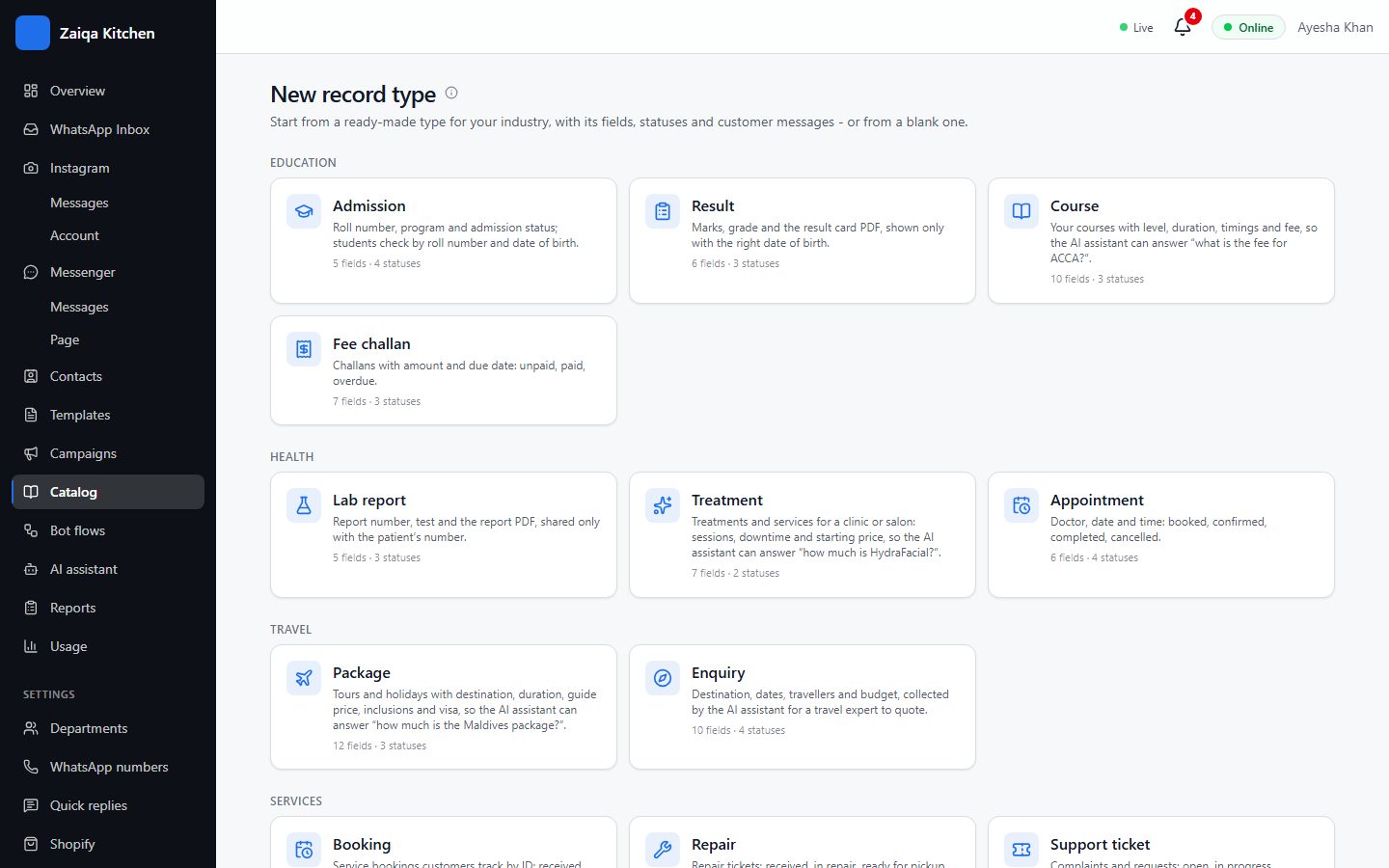
- 1Open Catalog and press New type.
- 2Start from a ready-made type (menu, products, courses, appointments, orders...) or from nothing.
- 3Choose its fields - price, size, photo - and its statuses, such as In stock / Sold out, or Received / Delivered.
Add your records
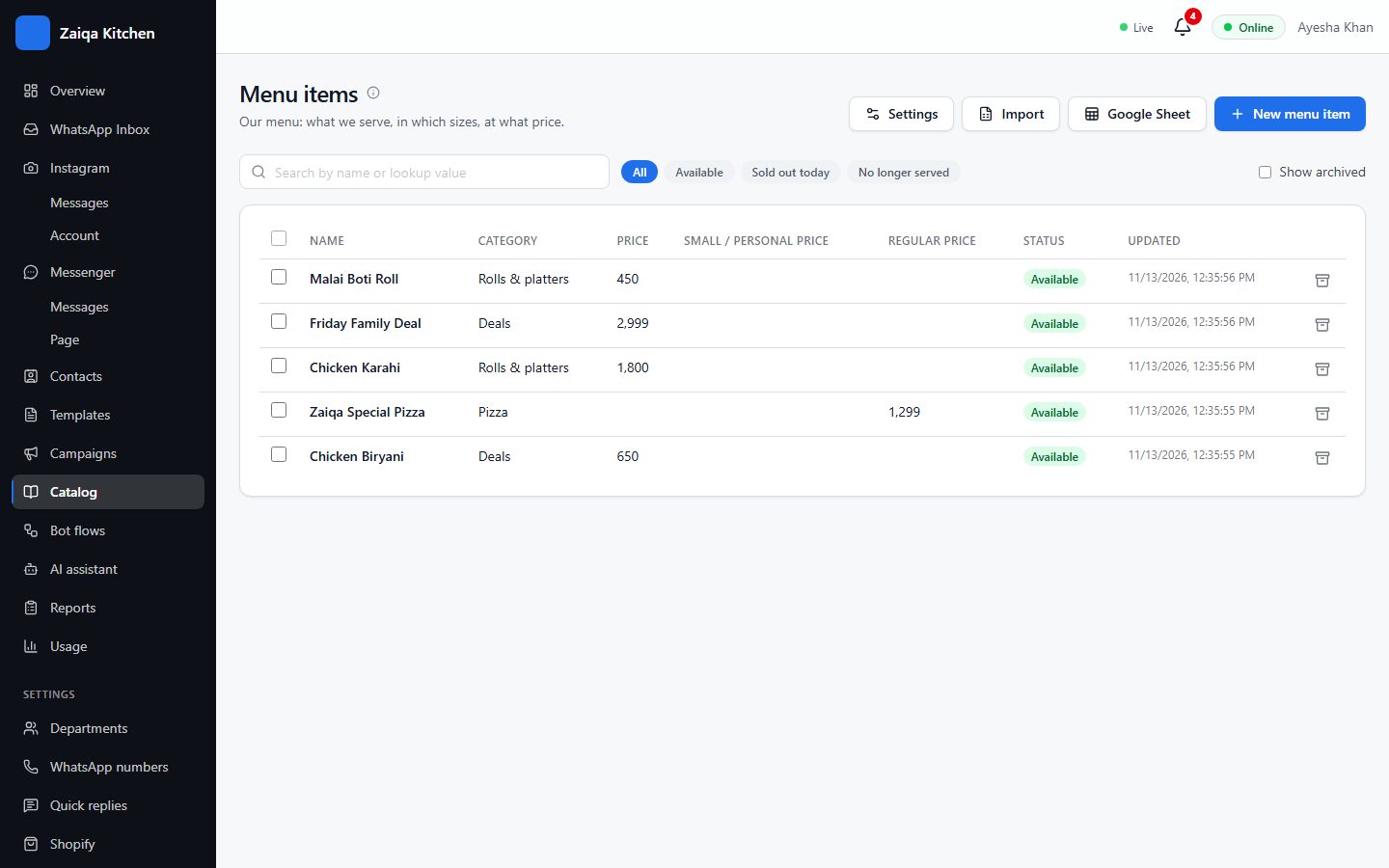
Add records one by one, import them from a spreadsheet, or keep them in a Google Sheet. Tick several to change their status, archive or delete them at once.
Use them in chats
From a chat, send a record with the fields you choose. Customers can check their own record, such as an order, by its number - shown only if their WhatsApp number matches. A status can send the customer its own WhatsApp message when it changes, such as "Your order is on the way".
Try it on your own WhatsApp
Free for 7 days. No card needed.
Related guides
- Google SheetsKeep a catalog in a Google Sheet: edit the sheet, and HelpDesk keeps up every 15 minutes.
- ShopifyYour Shopify products and orders in HelpDesk: the AI answers stock and price questions, customers check their orders.
- The AI assistantAnswers customers in Urdu and English from what you teach it, and hands the rest to your team.
- Bot flowsA bot that answers the usual questions with buttons, day and night, and hands over to a person.