
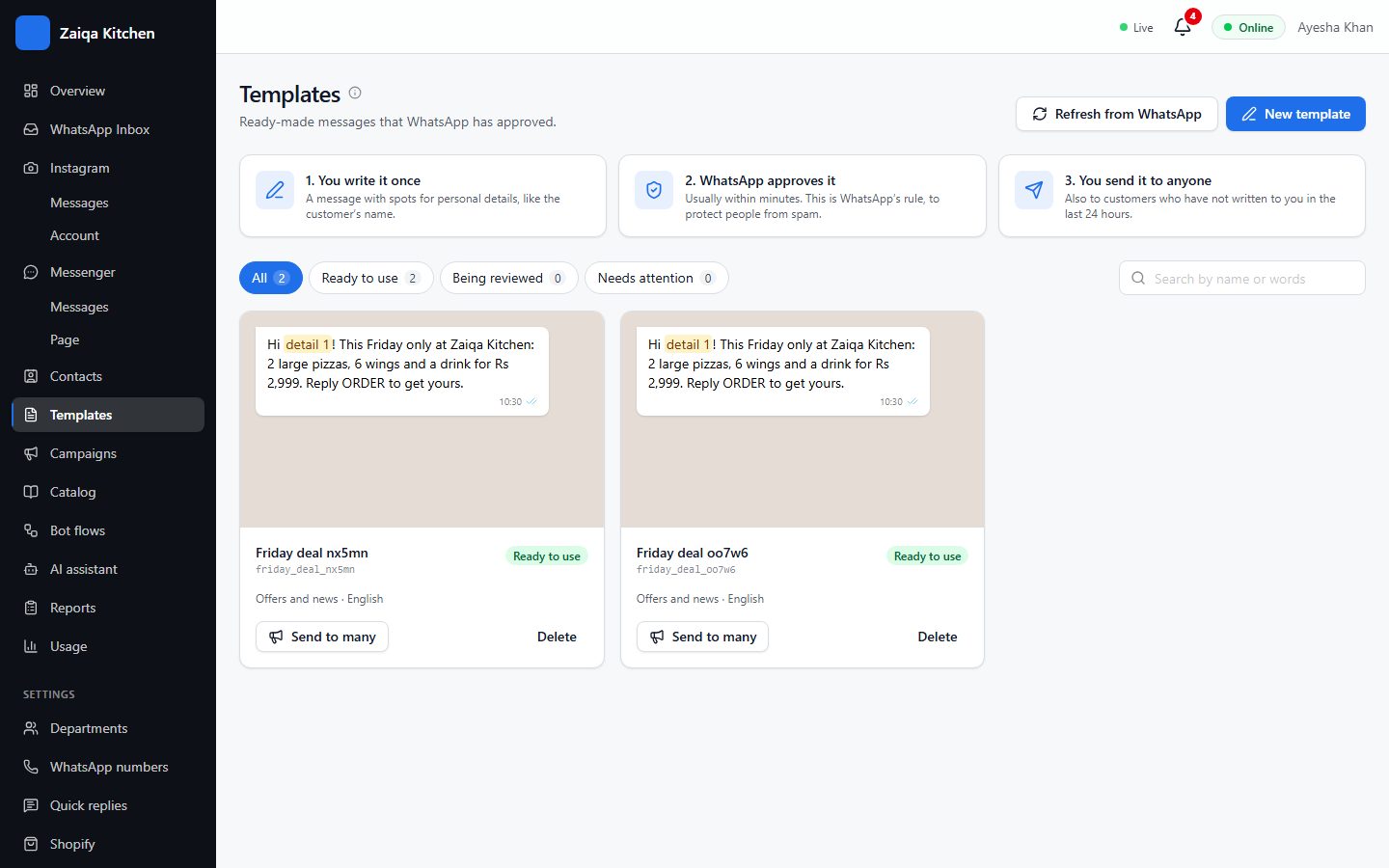
Message templates
WhatsApp only lets a business message a customer first - or more than 24 hours after their last message - with a template Meta has approved. Every campaign uses one.
Make a template
- 1Open Templates and press New template, or start from a ready-made one.
- 2Choose its kind: Marketing (offers, news), Utility (an order, a booking, a payment) or Login code.
- 3Write the message. Use {{1}}, {{2}} for details that change per person, such as their name.
- 4Add a picture, video or PDF above it, and buttons below, if you like.
- 5Send it to Meta. Approval usually takes minutes, sometimes a day.
Try it on your own WhatsApp
Free for 7 days. No card needed.