
Instagram direct messages
Connect your Instagram professional account and its direct messages arrive in their own inbox in HelpDesk, divided by account, with the same tools as WhatsApp.
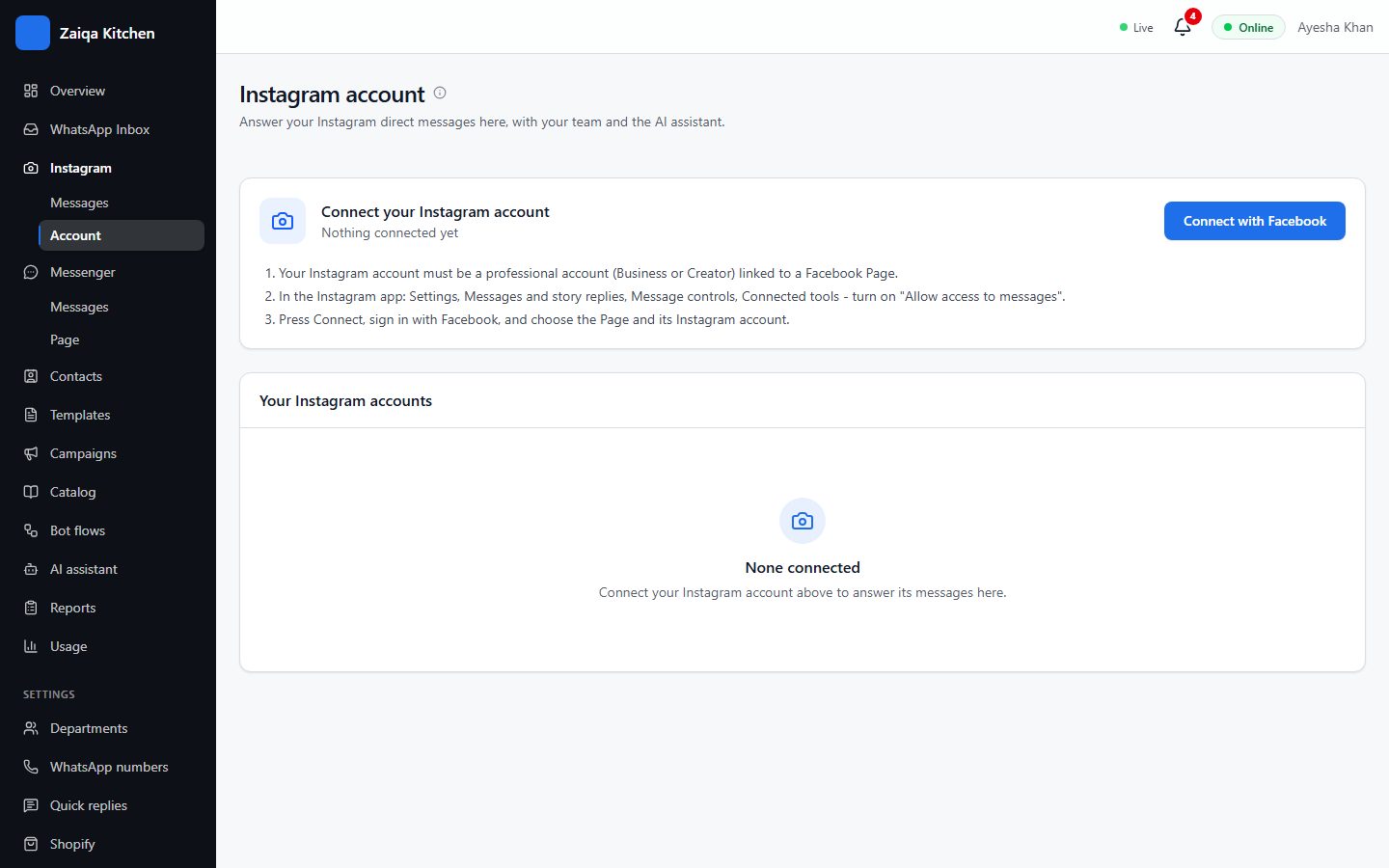
Connect your account
- 1Your Instagram account must be a professional one (Business or Creator), linked to a Facebook Page.
- 2In the Instagram app turn on "Allow access to messages" (Settings > Messages and story replies > Message controls > Connected tools).
- 3In HelpDesk open Instagram > Account and press Connect with Facebook.
- 4Choose the Page and its Instagram account.
Try it on your own WhatsApp
Free for 7 days. No card needed.
Related guides
- Facebook MessengerYour Facebook Page’s Messenger chats, answered by your team alongside WhatsApp.
- The shared inboxEvery WhatsApp chat in one place for your whole team: reply, transfer, note, label and search.
- The AI assistantAnswers customers in Urdu and English from what you teach it, and hands the rest to your team.