
Notifications
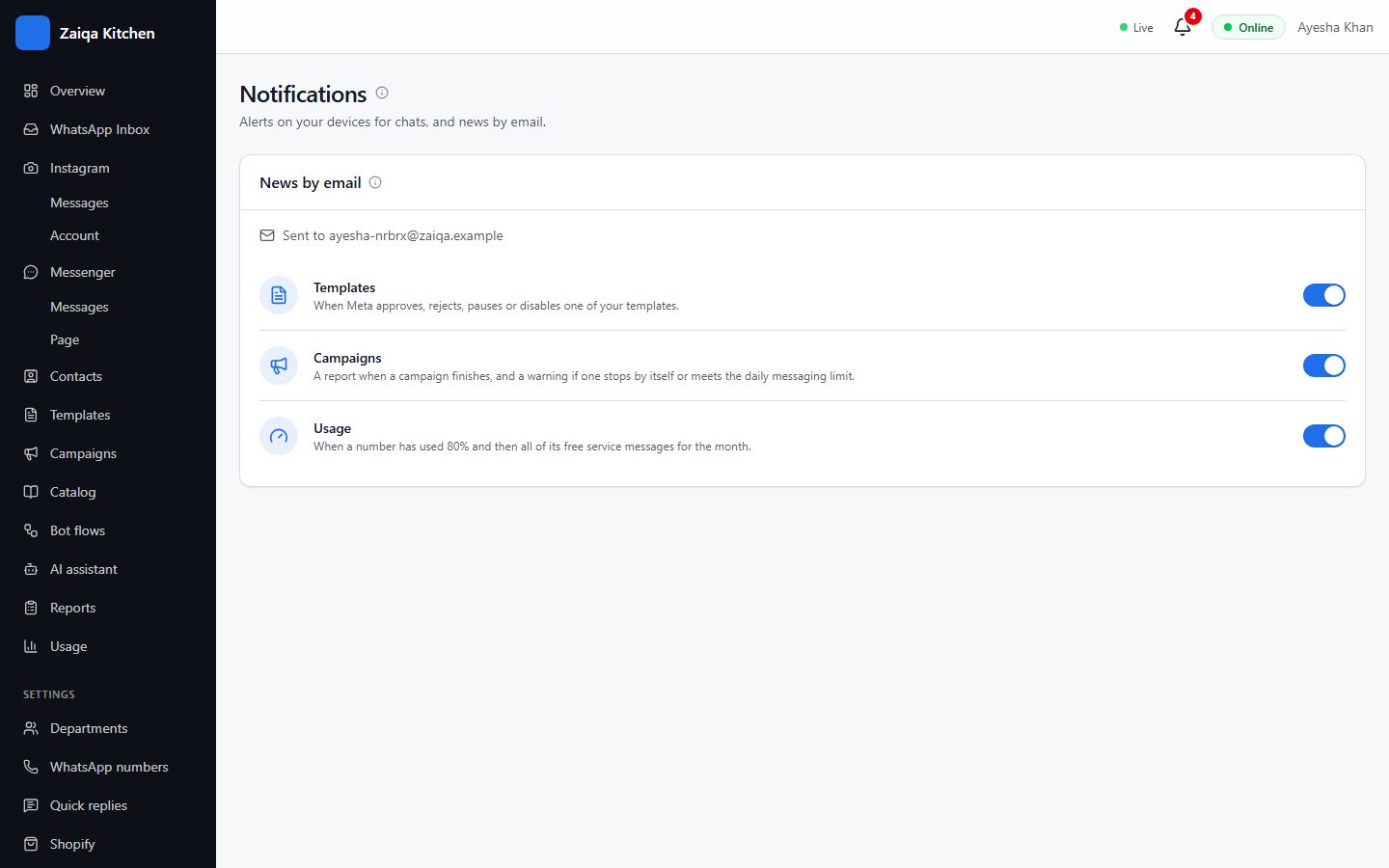
The bell at the top shows news about templates, campaigns and usage. Choose which of them also come by email.
Choose what you are told
Open Settings > Notifications and switch each kind on or off for email: templates (approved or rejected by Meta), campaigns (finished or stopped) and usage (nearly at a limit). Follow-up reminders and new chats can also come to your phone through the HelpDesk app.
Try it on your own WhatsApp
Free for 7 days. No card needed.
Related guides
- The shared inboxEvery WhatsApp chat in one place for your whole team: reply, transfer, note, label and search.
- Message templatesMessages Meta approves in advance, for reaching customers first and for campaigns.
- CampaignsSend an offer or an update to many customers at once, and see who received and read it.