
Facebook Messenger
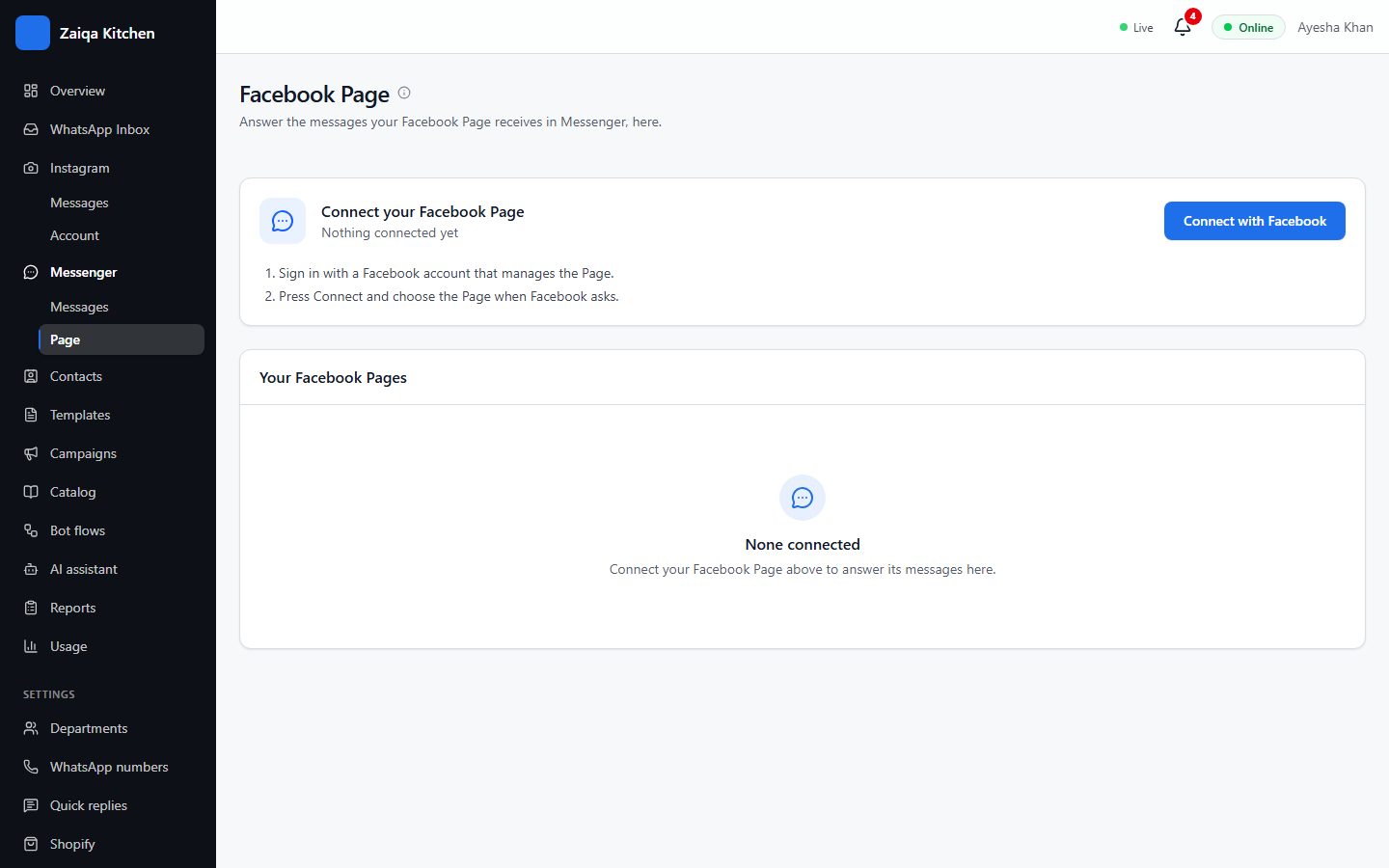
Connect your Facebook Page and its Messenger chats arrive in HelpDesk, divided by Page, with replies, notes, transfers and the AI.
Connect your Page
- 1Sign in with a Facebook account that manages the Page.
- 2In HelpDesk open Messenger > Page and press Connect with Facebook.
- 3Choose the Page.
Try it on your own WhatsApp
Free for 7 days. No card needed.