
Bot flows
A bot flow answers customers by itself, step by step: buttons to choose from, questions, looking up an order, and handing to your team when needed. No coding: you connect the steps on a canvas.
Start from a ready-made flow
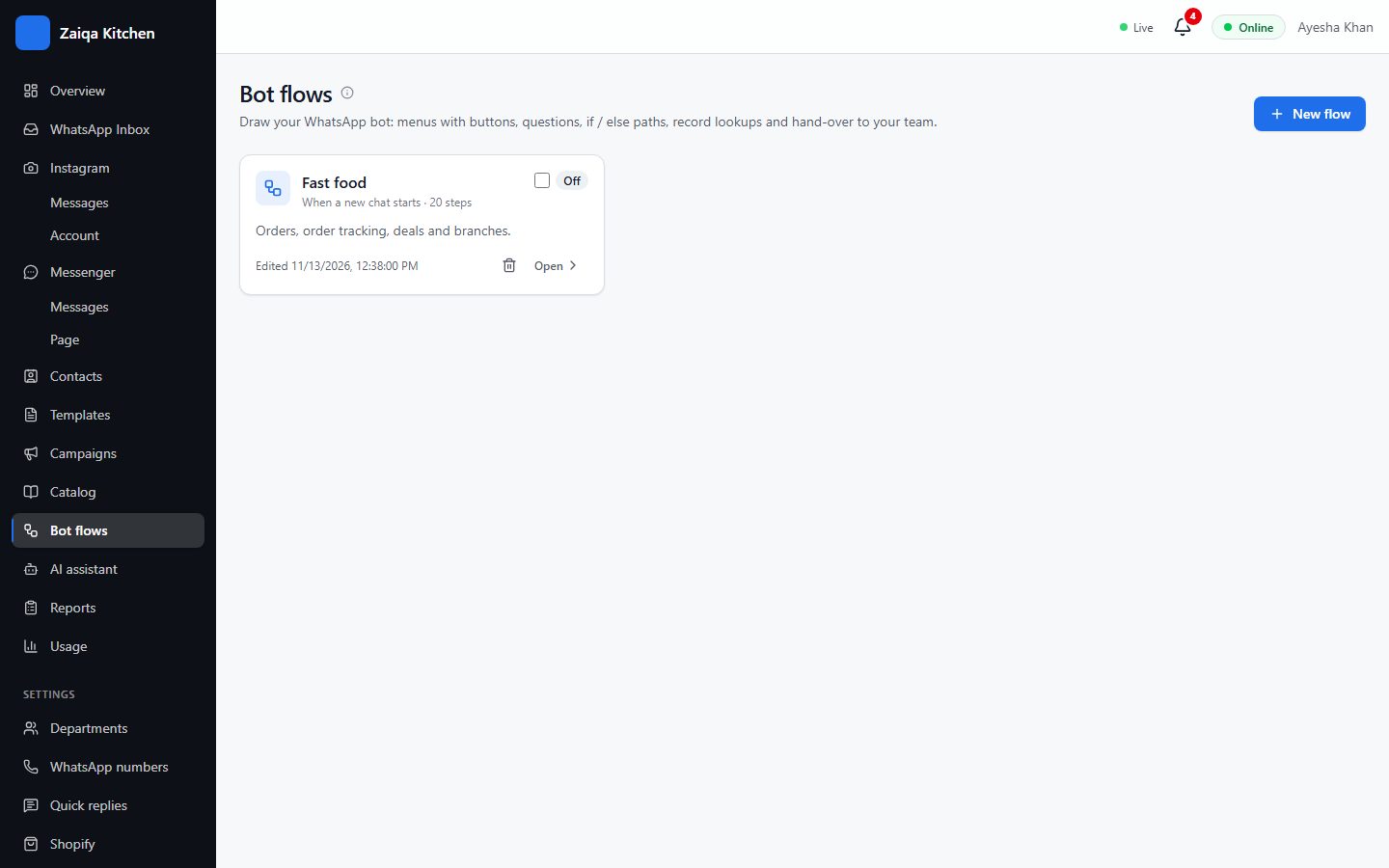
- 1Open Bot flows and press Choose a starter.
- 2Pick one for your business - for example Fast food: orders & deals - or start blank.
- 3Change the words, buttons and steps to fit you.
- 4Try it in the tester, then switch it on.
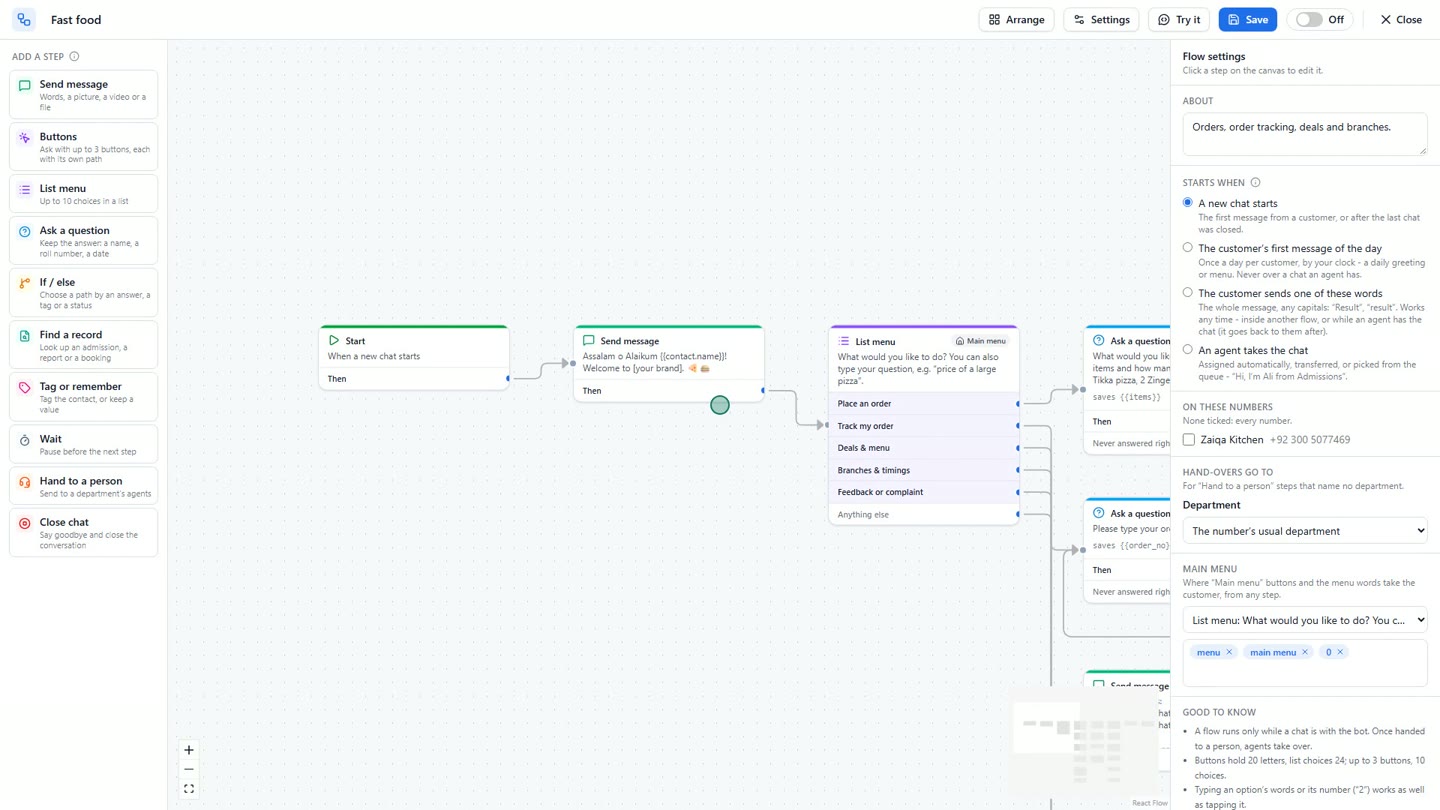
The steps you can use
Send message (text, a picture or a file) - Buttons and List menu - Ask a question (keep the answer, such as a city) - If / else - Find a record in your catalog (such as an order by its number) - Tag or remember - Wait - Hand to a person - Close chat.
Choose when the flow starts: a new chat, the customer’s first message of the day, certain words like "menu" or "price", or an agent taking the chat.
Try it on your own WhatsApp
Free for 7 days. No card needed.
Related guides
- The AI assistantAnswers customers in Urdu and English from what you teach it, and hands the rest to your team.
- CatalogsYour menu, products, courses or orders - for your team, the bot and the AI to answer from.
- Departments and routingSend each chat to the right team with a menu of departments, each with its own hours.